Tungsten™ E2 Handheld 201
CHAPTER 10 Listening to Music
Transferring music from a CD to your handheld
If your songs are on a CD and you want to listen to them on your handheld, use RealPlayer on your
computer to convert and transfer the files to your expansion card.
If you are a Mac user, use iTunes, included with Mac OS X, to transfer music from a CD
to your computer. Then use the S
end To Handheld droplet to transfer files to your expansion card.
Music files should be imported in MP3 format.
WINDOWS ONLY
0
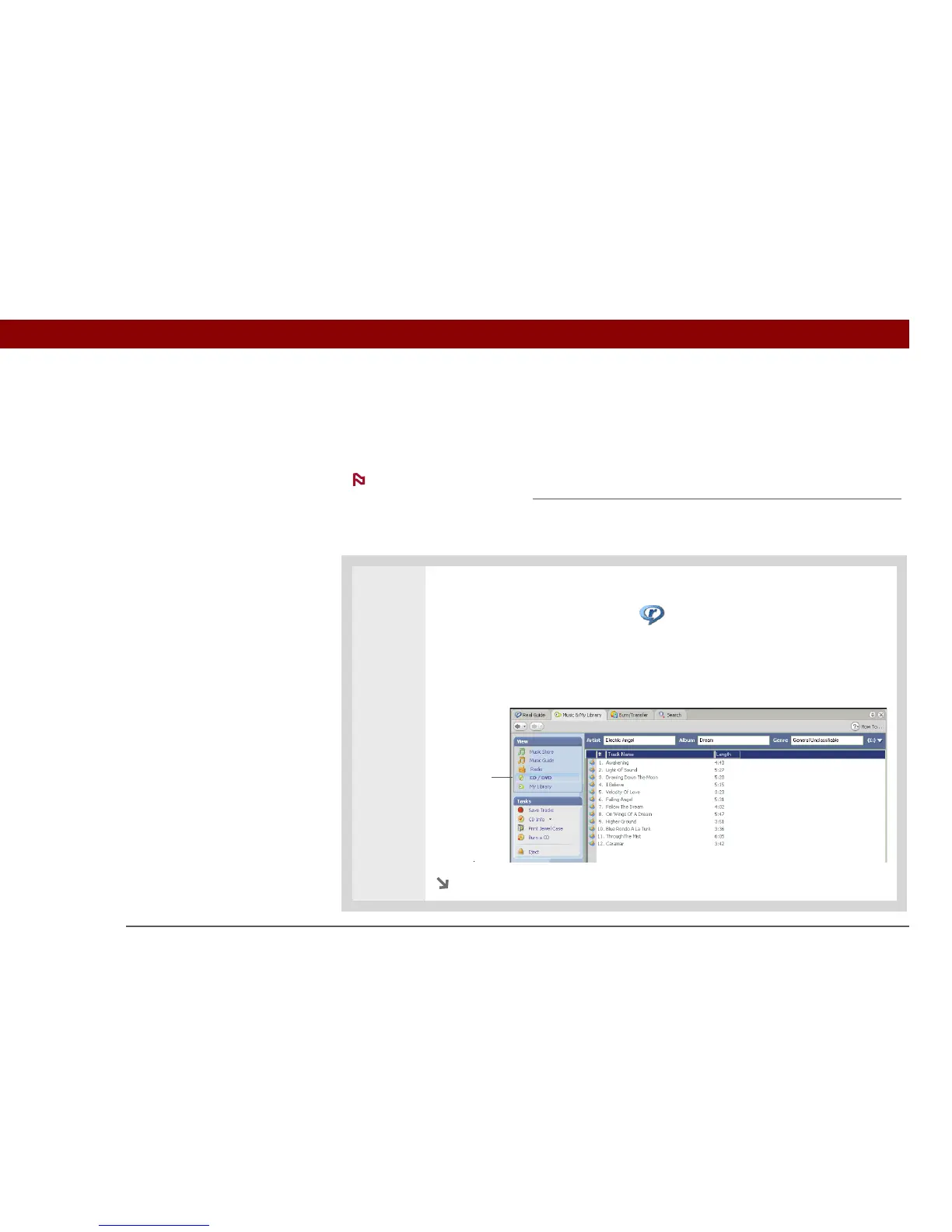
1 Access the music CD from RealPlayer on your computer:
a. Double-click the RealPlayer icon on your computer desktop.
b. Insert the CD into your computer’s CD drive.
c. If the track listing does not appear, click Music & My Library, and then click
CD/DVD in the View menu.
Continued
NOTE
CD/DVD



 To Next Page