Tungsten™ E2 Handheld 521
CHAPTER 25 Customizing Your Handheld
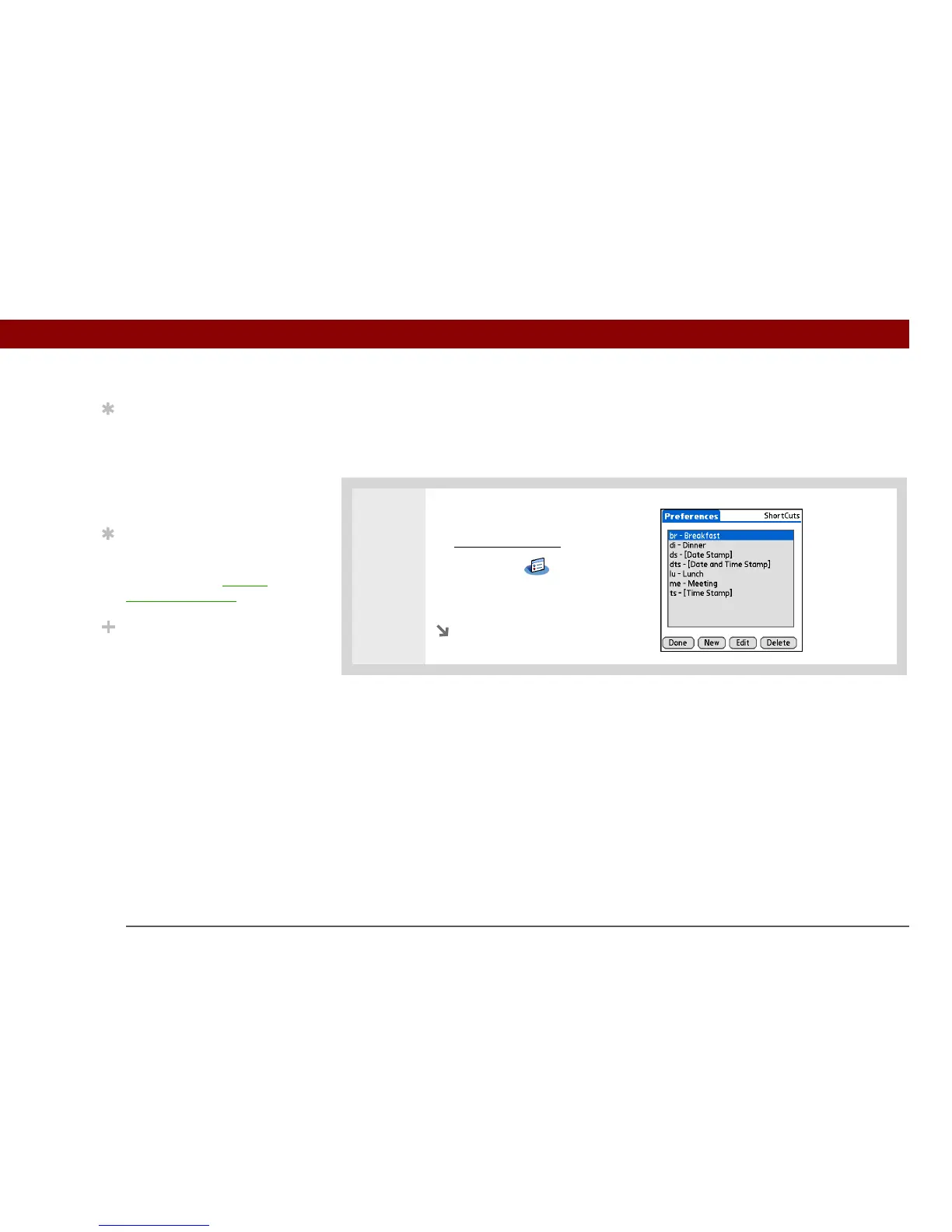
Setting up ShortCuts
Are you looking for a quicker way to enter information on your handheld? Use ShortCuts to define
abbreviations for any words, letters, or numbers that you enter often. You can use your ShortCuts
anywhere you enter info with Graffiti 2 writing.
0
1 Open ShortCuts Preferences:
a. Go to Applications
.
b. Select Prefs .
c. Select ShortCuts.
Continued
Tip
You may want to add a
space character after the
last word in your
ShortCut text. This way, a
space automatically
follows the ShortCut text.
Tip
To learn how to use
ShortCuts while entering
information, see Writing
Graffiti 2 ShortCuts.
Did You Know?
Your ShortCuts are
backed up on your
computer when you
synchronize.



 To Next Page