Tungsten™ E2 Handheld 404
CHAPTER 17 Browsing the Web
Saving a web page
If you want to save a web page (such as a travel itinerary or Internet order receipt) indefinitely, you
can create a saved page. The copy is stored on the handheld until you delete it.
1 Go to Favorites and select Web .
2 Go to the web page you want to save.
3 Go to the Save Page dialog box:
a. Open the menus
.
b. Select Page, and then select Save Page.
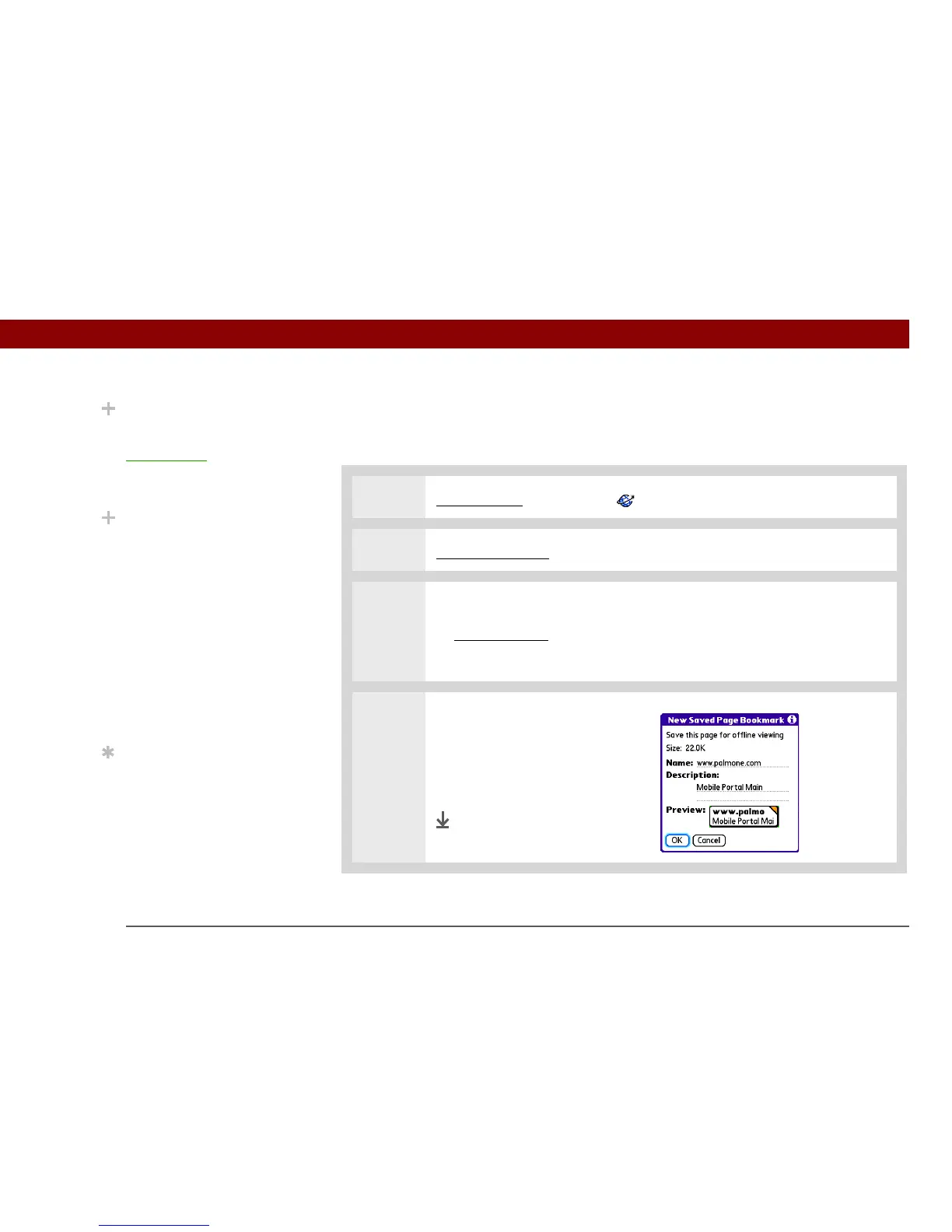
4 Save the web page:
a. Change the page name or
description if you want.
b. Select OK.
Done
Did You Know?
Saved pages are listed
with the bookmarks in the
B
ookmark List. The saved
pages have an orange
corner.
Did You Know?
The web browser also
functions as a viewer,
enabling you to quickly
view certain files while
working in other
applications. For
example, if you read an
email message that has a
file attached in HTML
format, select the file and
the web browser opens
so that you can view the
file.
Tip
Saving a web page on
your handheld allows you
to view a web page
without being online.



 To Next Page