Tungsten™ E2 Handheld 502
CHAPTER 25 Customizing Your Handheld
Customizing Favorites View
You can personalize Favorites View by changing the background image to your favorite photo. You
can also change the entries to those you use most often.
Changing the background photo in Favorites View
0
1 Go to Favorites.
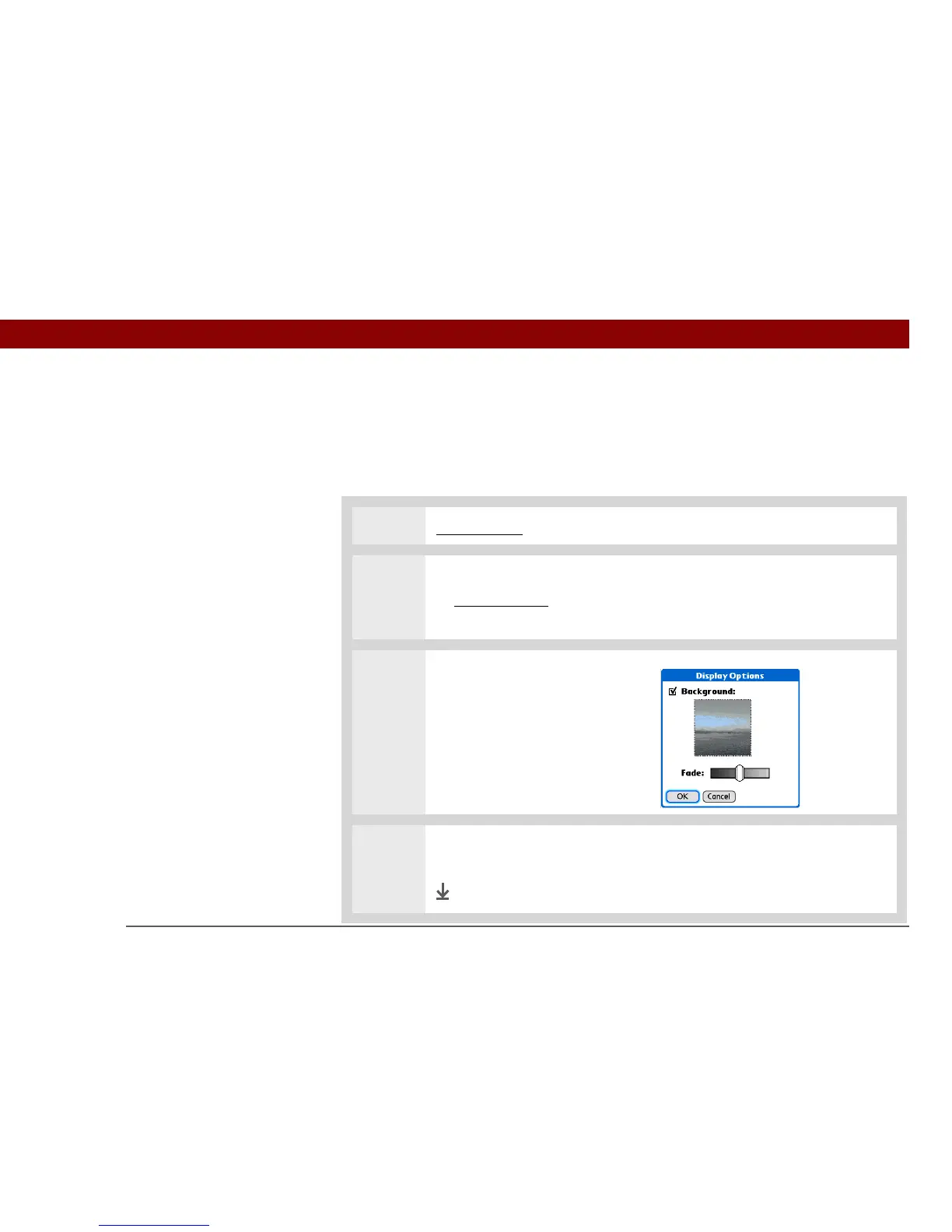
2 Open the Display Options dialog box:
a. Open the menus
.
b. Select Options, and then select Display Options.
3 Select a photo for the
background:
a. Check the Background box.
b. Select the picture box.
c. Select a picture.
d. Select Done.
4 Adjust the fade setting so that the text is easy to read against the photo, and
select OK.
Done



 To Next Page