Tungsten™ E2 Handheld 504
CHAPTER 25 Customizing Your Handheld
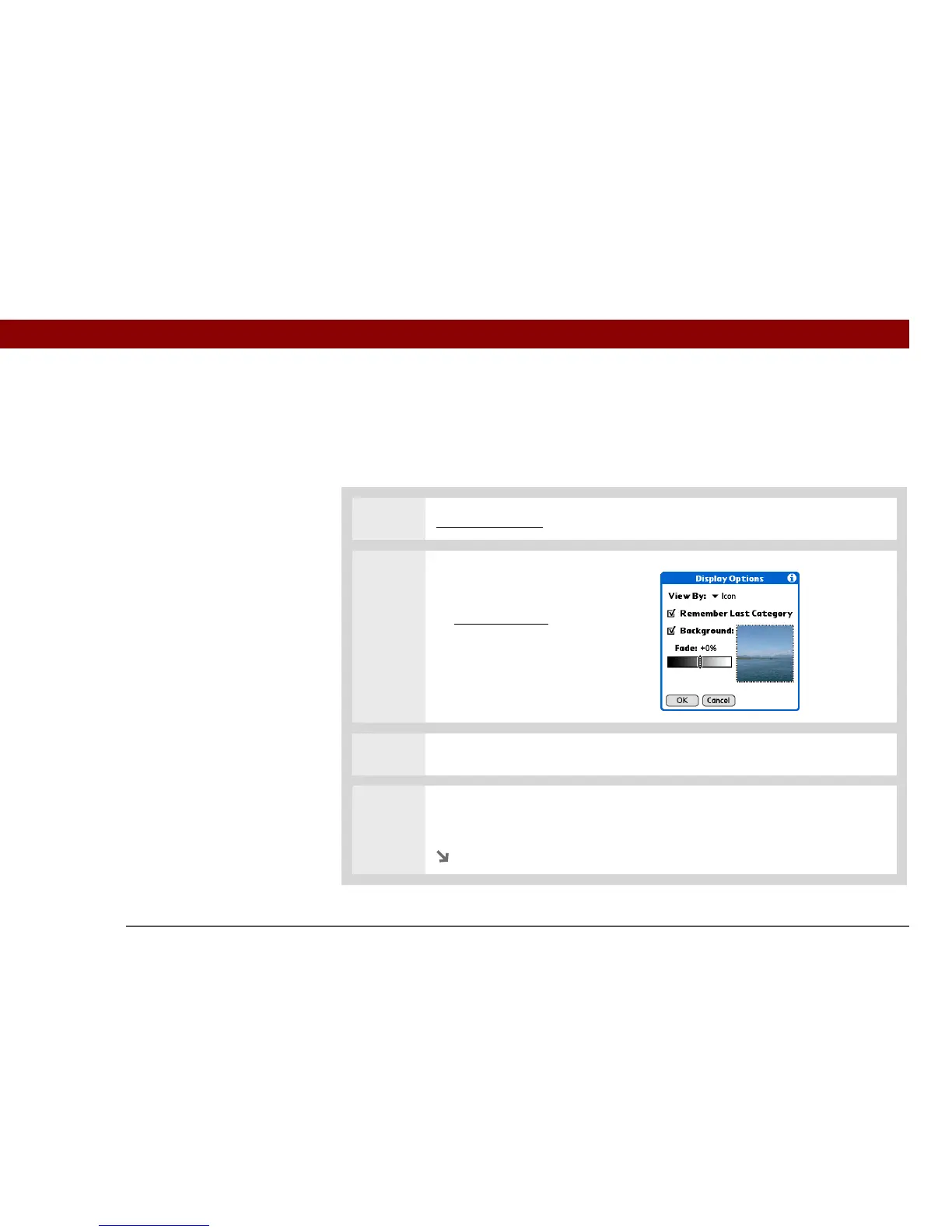
Customizing Applications View
Use your favorite photo as the background in Applications View. You can also display your
application icons in list format with small icons so that you can see more applications without
scrolling.
0
1 Go to Applications.
2 Open the Display Options dialog
box:
a. Open the menus
.
b. Select Options, and then
select Display Options.
3 Select the View By pick list and select List or Icon as the display format.
4 If you want the last category you viewed to reappear the next time you visit the
Applications screen, check the Remember Last Category box.
Continued



 To Next Page