Tungsten™ E2 Handheld 226
CHAPTER 11 Managing Your Tasks
Customizing your Tasks list
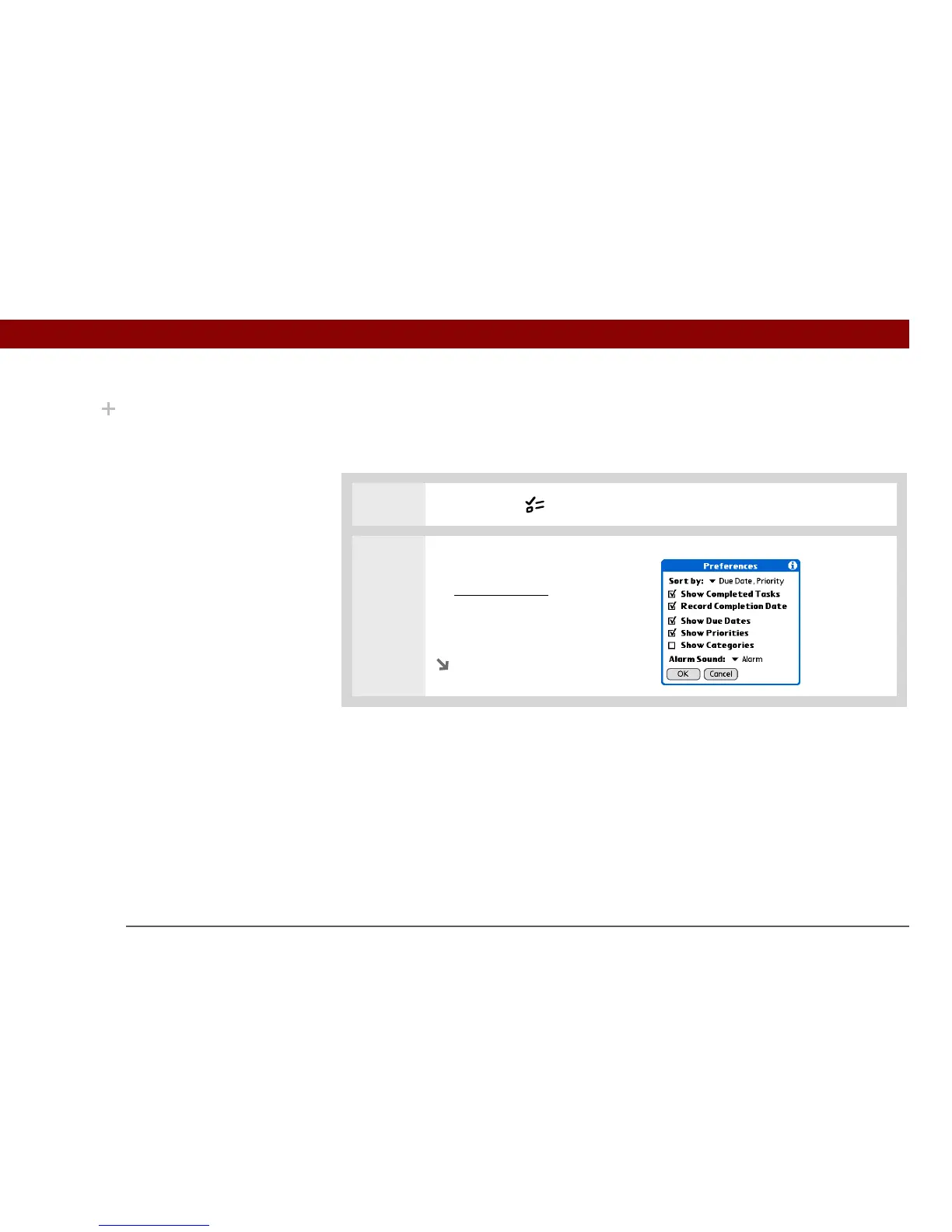
Control which tasks show up in the Tasks list and how they are sorted. These settings also affect
tasks in Calendar’s Agenda View. You can also choose the alarm sound for your tasks.
0
1 Press the Tasks button.
2 Open the Preferences dialog box:
a. Open the menus
.
b. Select Options, and then
select Preferences.
Continued
Did You Know?
Calendar’s Agenda View
also displays your tasks.



 To Next Page