Tungsten™ E2 Handheld 19
CHAPTER 2 Your Handheld
What’s on my handheld?
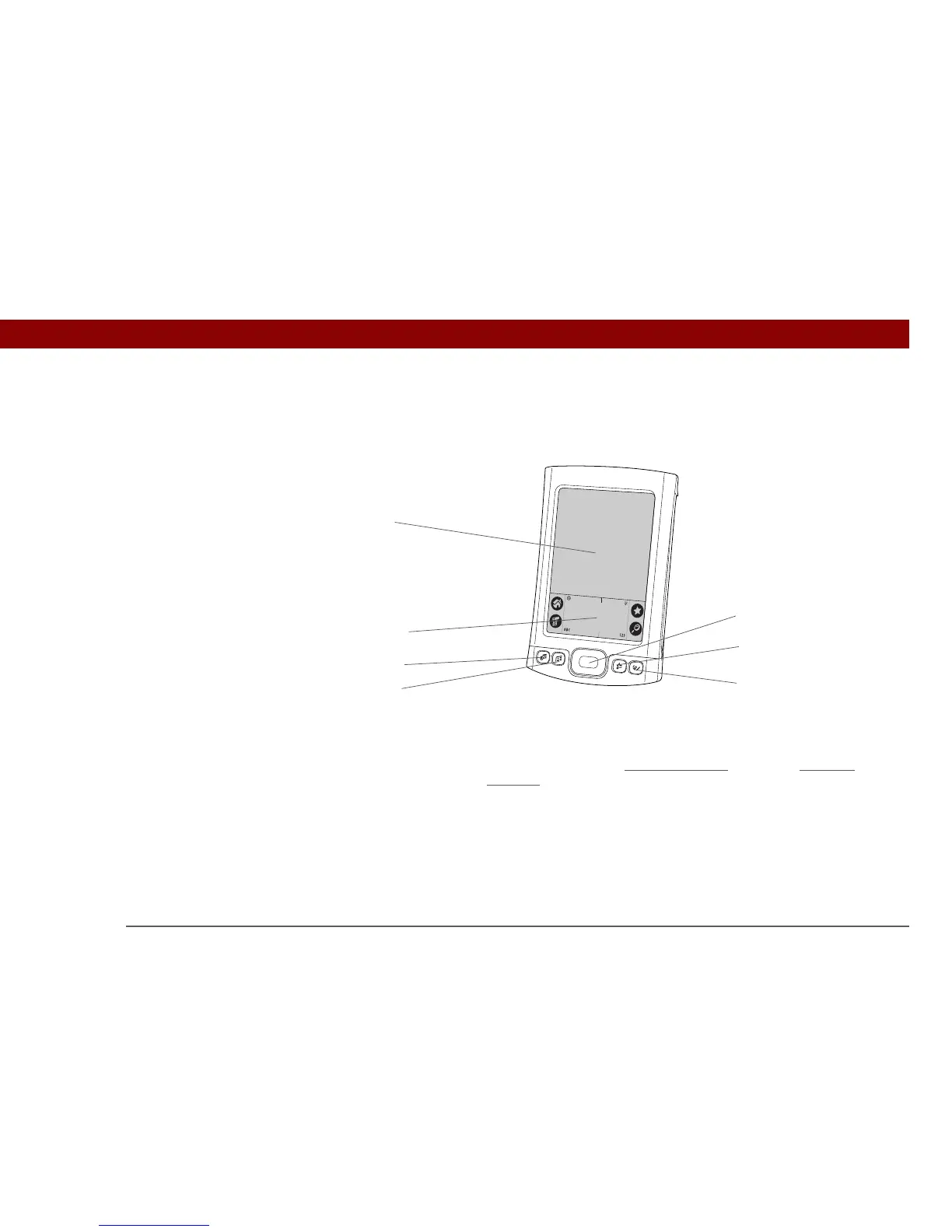
Front
Screen Displays the applications and information on your handheld. The
screen is touch-sensitive.
Input area Lets you enter info with G
raffiti® 2 writing or open the onscreen
keyboard.
5-way navigator Helps you move around and select info to display on the screen.
Quick buttons Turn on your handheld and open Calendar, Contacts, Tasks, and Note
Pad.
Screen
5-way navigator
Calendar
Contacts
Tasks
Note Pad
Input area
Quick Buttons



 To Next Page