Tungsten™ E2 Handheld 299
CHAPTER 15 Sending and Receiving Email Messages
Resource issues with auto get mail
The auto get mail feature can cause the following resource constraints:
Decreased battery life If you set the auto get interval for more often than once per hour, your
handheld’s battery charge may drain more quickly, and you may need to recharge the battery more
frequently.
Increased monthly charges Some wireless providers, such as Cingular or T-Mobile, charge a fee
for data transactions. If you use one of these providers, using the auto get feature can
substantially add to your monthly charges. This is especially true for POP accounts, because POP
messages take longer to download than IMAP messages.
If you primarily retrieve messages over your company’s network (Bluetooth or 802.11b network),
monthly charges should not be an issue.
If you are concerned about resource issues, set your interval for email auto get to retrieve
messages no more frequently than once per hour.
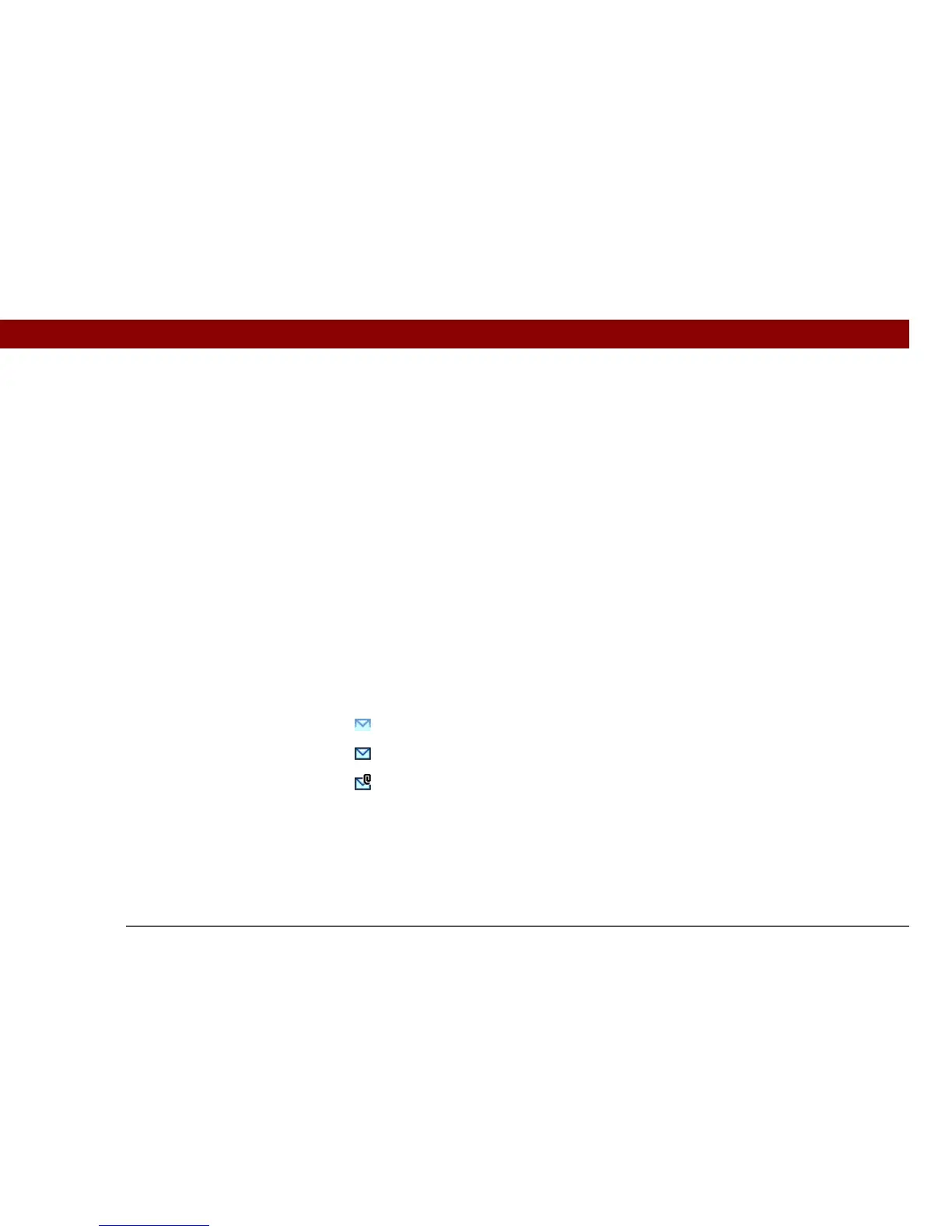
Inbox icons in the VersaMail application
The icons to the left of a message in the Inbox tell you the message’s status.
Only the subject header information is downloaded.
Part or all of the message text is downloaded.
Part or all of the message text and attachment information is downloaded.



 To Next Page