EasyManua.ls Logo

palmOne Tungsten E2 - Setting Basic Account Options

palmOne Tungsten E2
653 pages
Print Icon
To Next Page IconTo Next Page
To Previous Page IconTo Previous Page
Loading...
Tungstenā„¢ E2 Handheld 275
CHAPTER 15 Sending and Receiving Email Messages
Setting basic account options
0
1
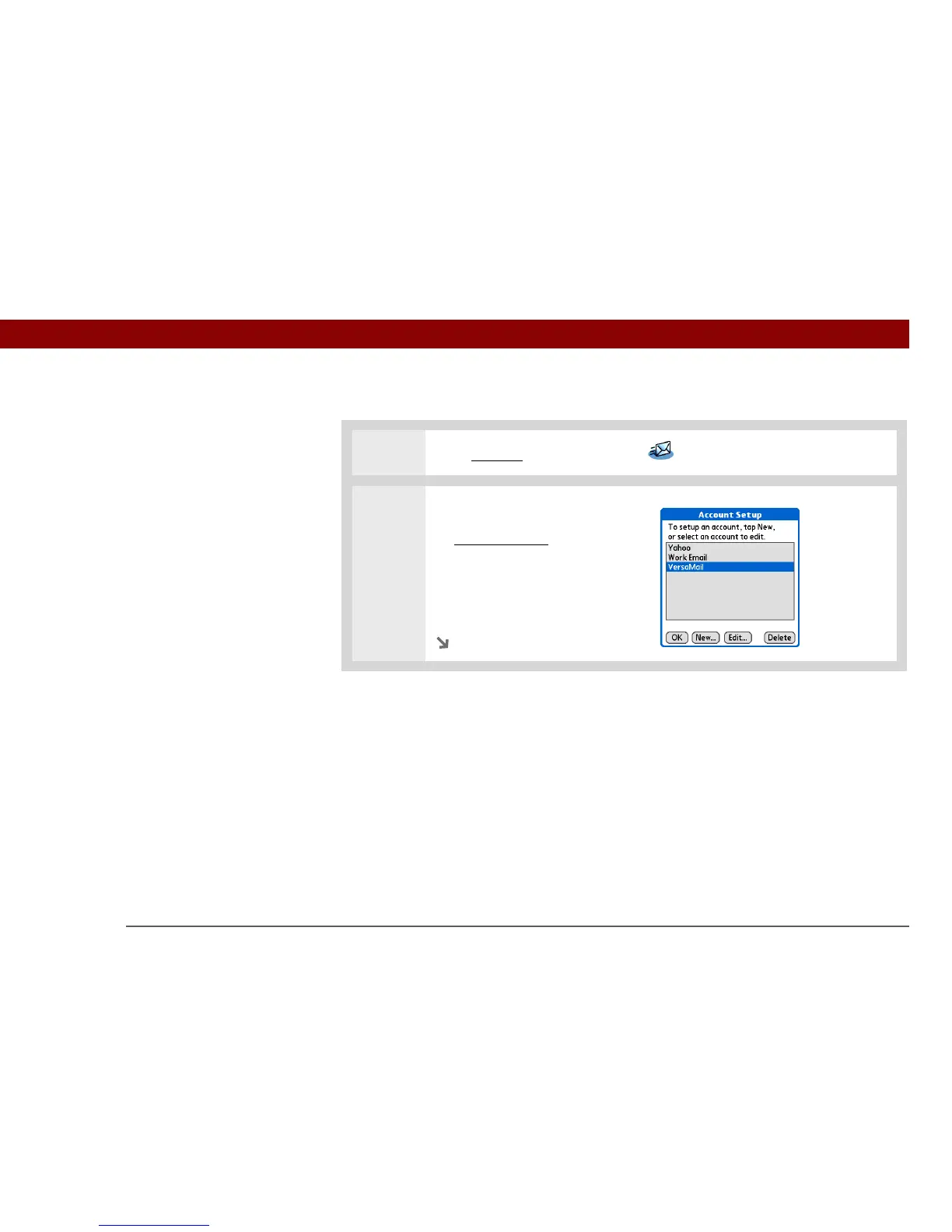
Go to Favorites and select VersaMail .
2 Open the Account Setup screen:
a. Open the menus
.
b. Select Accounts, and then
select Account Setup.
c. Select New.
Continued


Table of Contents

Other manuals for palmOne Tungsten E2

Related product manuals