Tungsten™ E2 Handheld 531
CHAPTER 25 Customizing Your Handheld
2
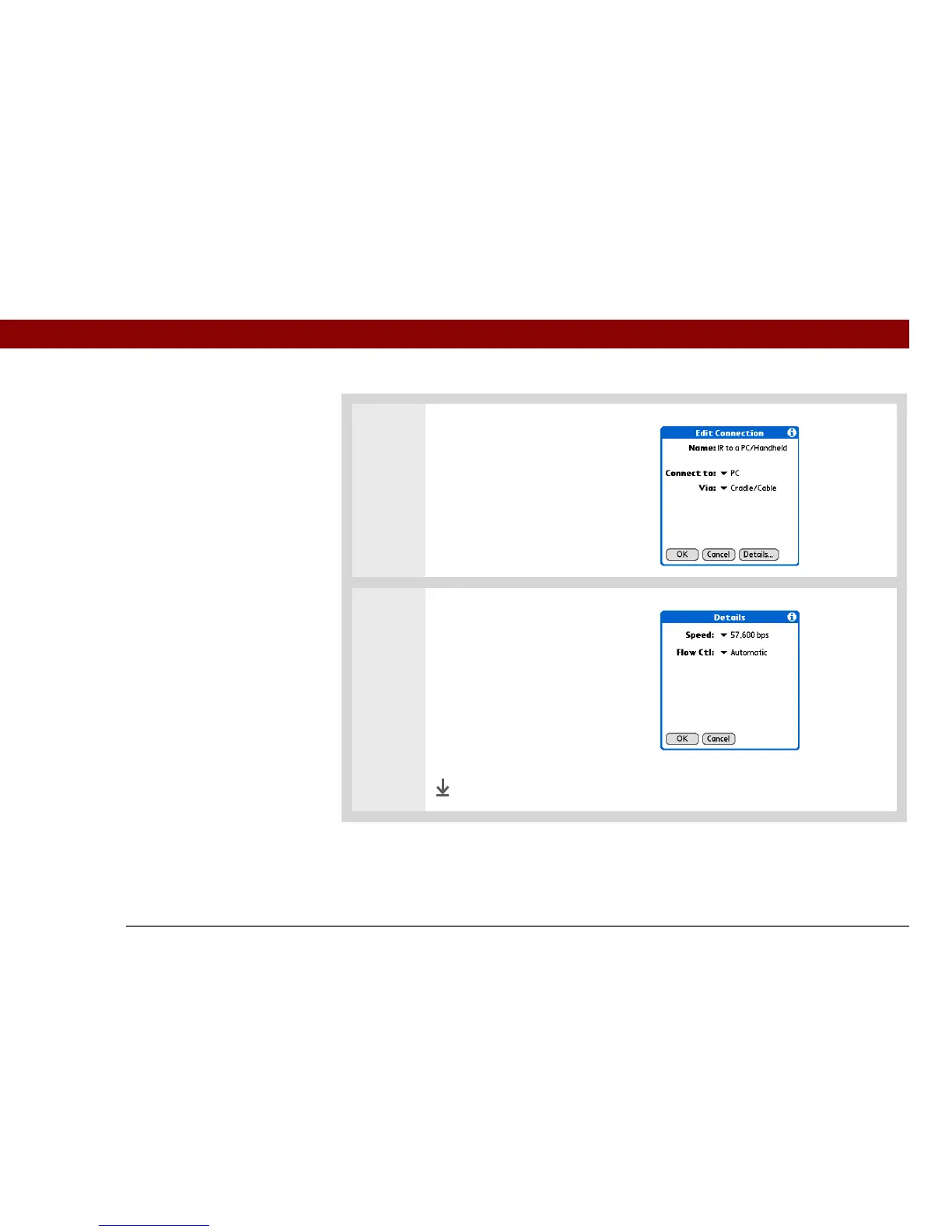
Open the Edit Connection dialog
box:
a. Select the IR to a PC/Handheld
connection.
b. Select Edit.
3 Change the speed setting:
a. Select Details.
b. Select the Speed pick list and
select the appropriate speed.
c. Select OK.
d. Select OK again, and then
select Done.
Done



 To Next Page