Tungsten™ E2 Handheld 219
CHAPTER 11 Managing Your Tasks
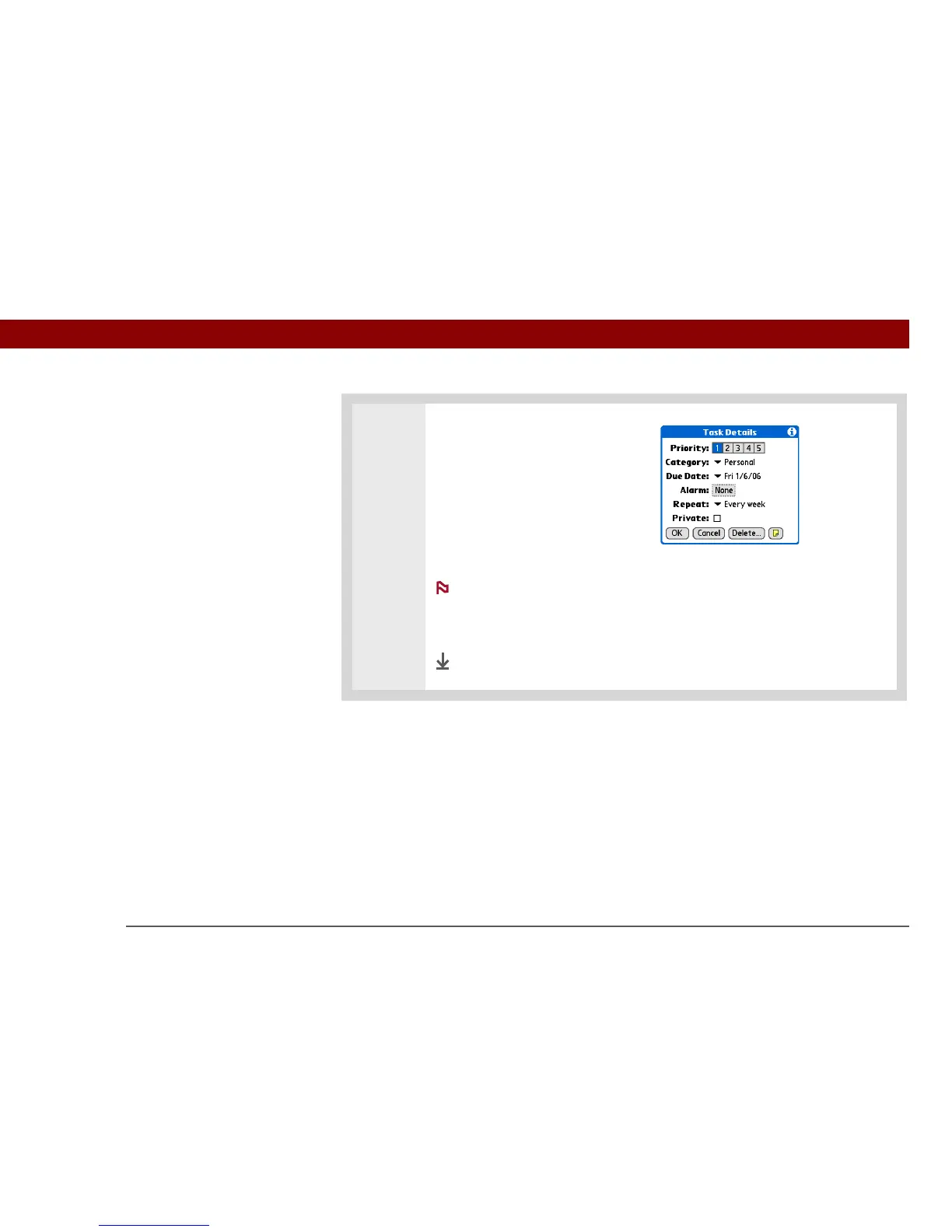
3 Set the repeat interval:
a. Select the task description, and
then select Details.
b. Select the Repeat pick list and
select how often the task
repeats: Daily until, Every week,
Every other week, Every month,
or Every year.
If you select Daily, a dialog box appears for you to select the end
date.
c. Select OK.
Done
NOTE



 To Next Page