Tungsten™ E2 Handheld 485
CHAPTER 23 Using Categories to Organize Information
5
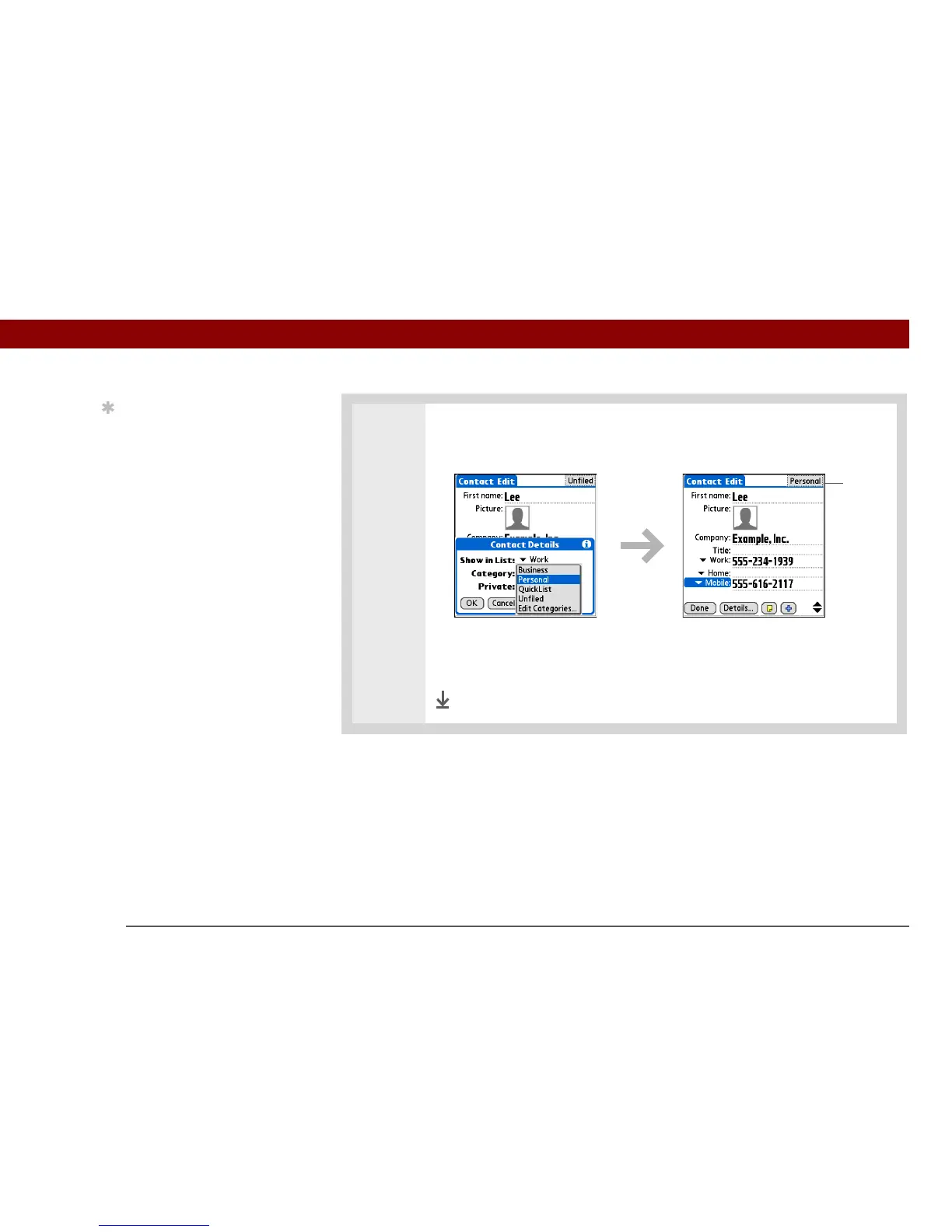
Place the entry in a category:
a. Select a category from the Category pick list.
b. If necessary, select OK.
c. If necessary, select Done.
Done
Tip
To place an entry in a
different category, simply
select a different category
from the Category pick
list.
Category



 To Next Page