Tungsten™ E2 Handheld 164
CHAPTER 7 Managing Your Calendar
6
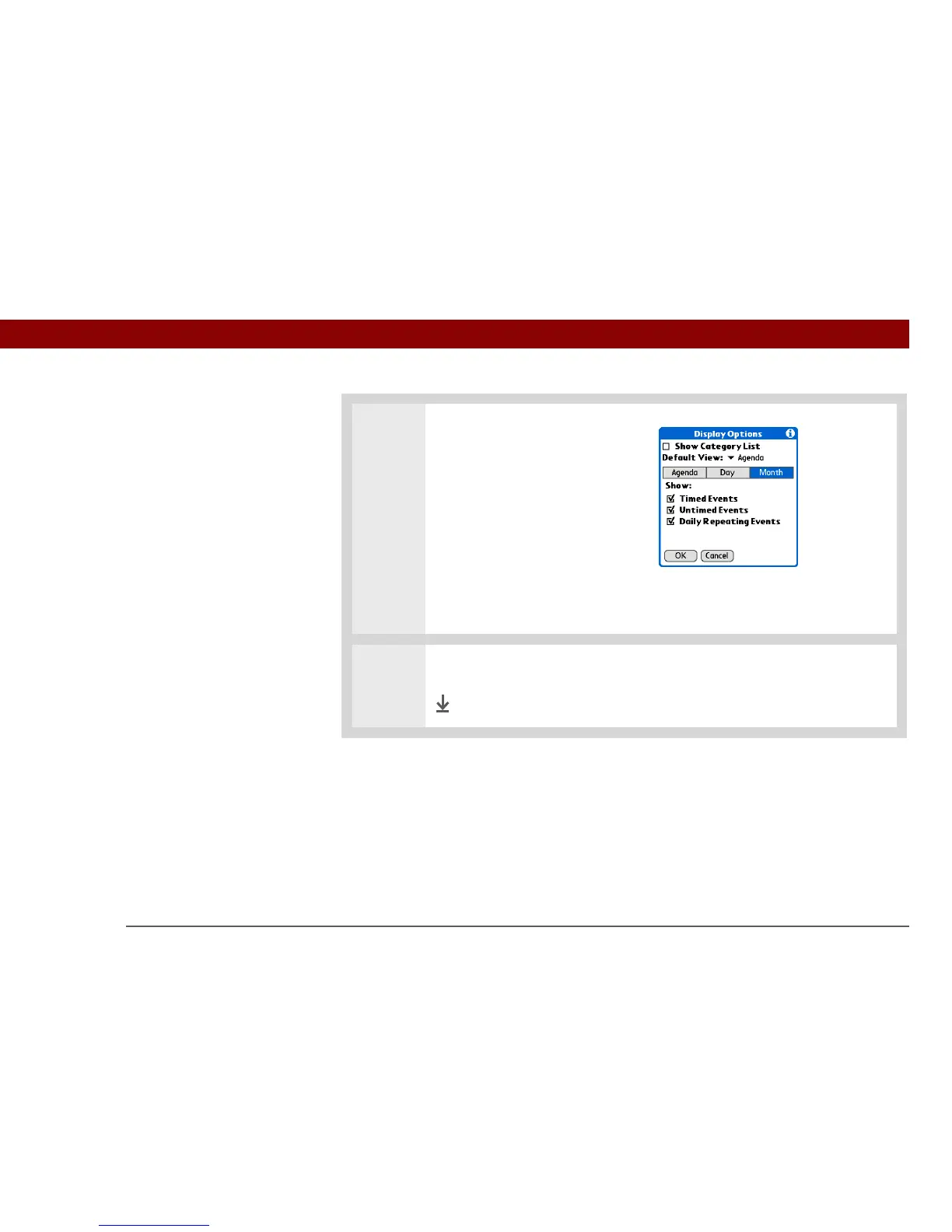
Select Month and set any of the
following Month View options:
Show Category List Display the
category pick list. By default, the
Category pick list doesn’t appear.
Timed Events Show events that
are scheduled for a specific time.
Untimed Events Show events
that are scheduled for a specific date, but not a specific time.
Daily Repeating Events Show events that repeat every day.
7 Select OK.
Done



 To Next Page