Tungsten™ E2 Handheld 146
CHAPTER 7 Managing Your Calendar
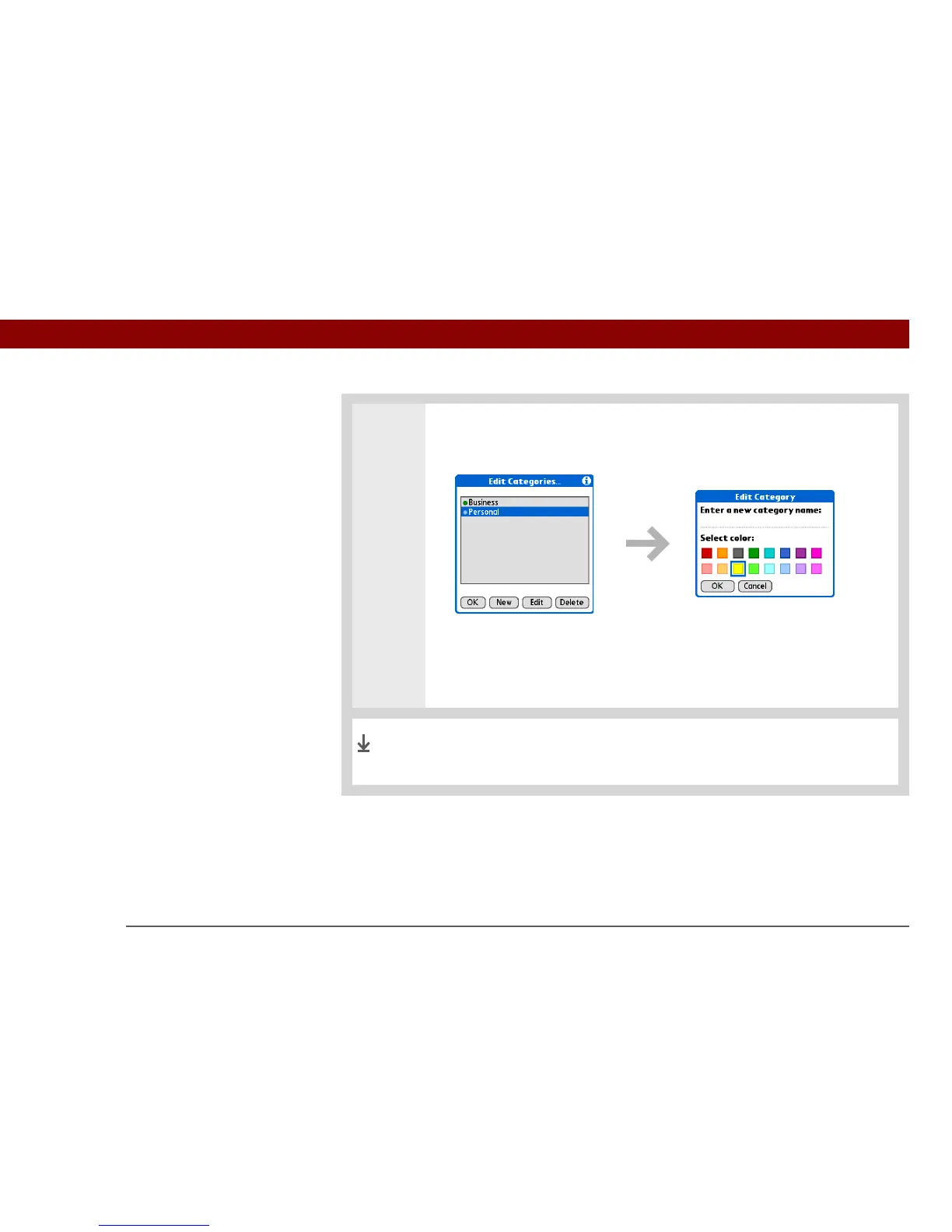
3 Select the color code for the category:
a. Select New, or select a category, and then select Edit.
b. Enter or edit the category name.
c. Select the color you want to give this category.
d. Select OK, and then select OK two more times.
The category name and its color-coded marker appear on the
category list.
Done



 To Next Page