Tungsten™ E2 Handheld 263
CHAPTER 14 Making Bluetooth Wireless Connections
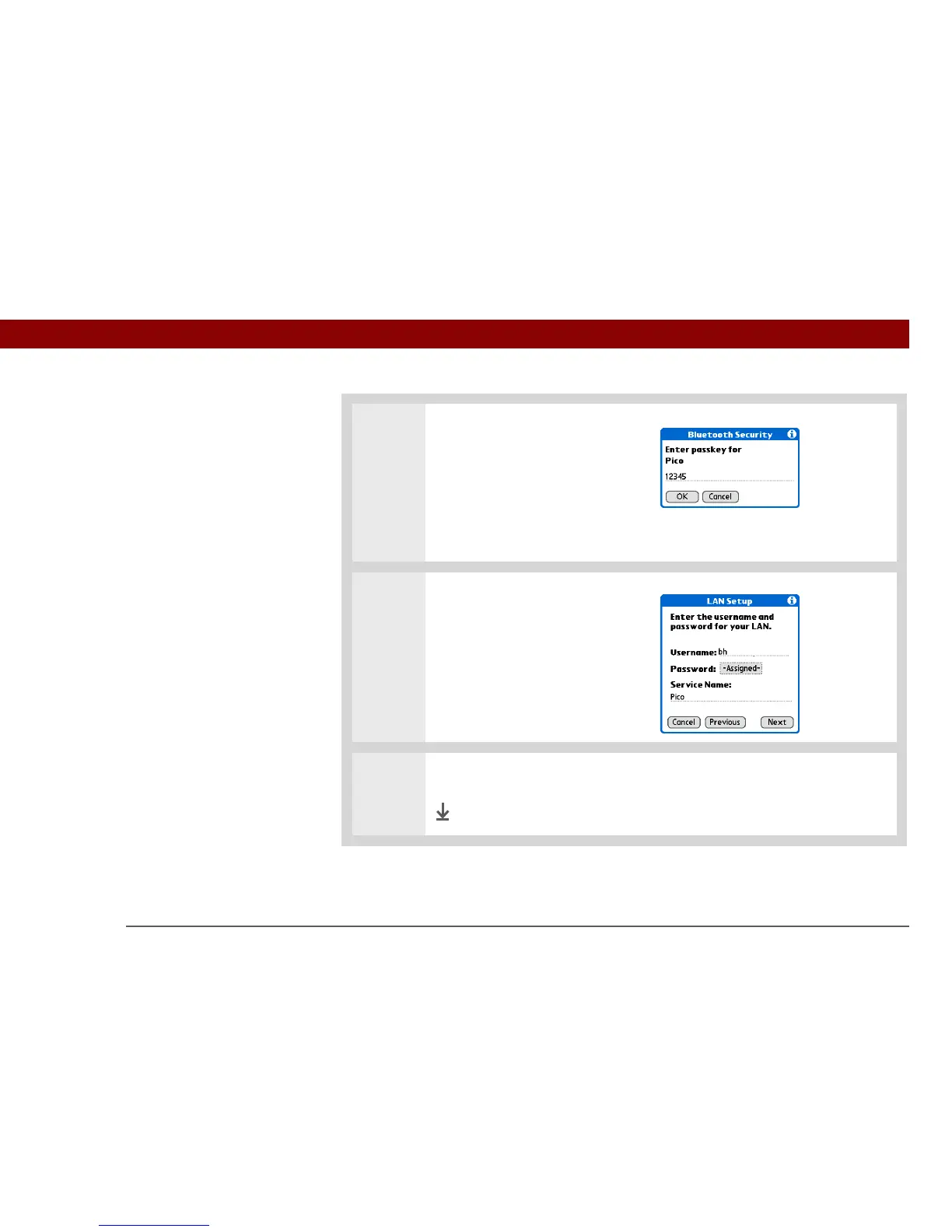
4 Create a trusted connection.
a. Select Yes to add the LAN as a
trusted device.
b. Select Next.
c. Enter the passkey number for
the LAN and select OK.
5 Enter the username and
password for the LAN and select
Next.
6 Select Done.
Done



 To Next Page