Tungsten™ E2 Handheld 534
CHAPTER 25 Customizing Your Handheld
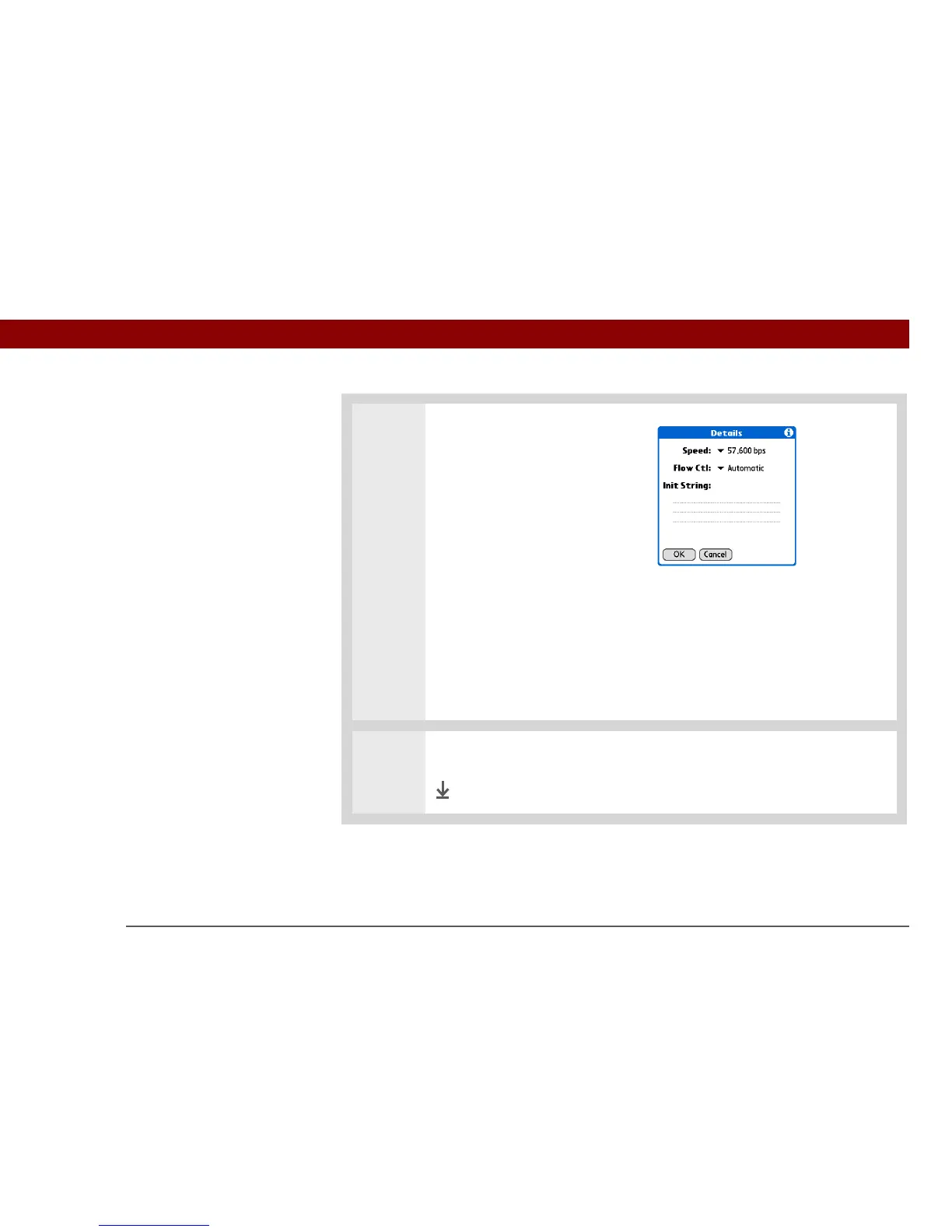
3 Enter the details settings:
a. Select Details.
b. Select the Speed pick list and
select the appropriate speed.
c. Select the Flow Ctl pick list and
select whether the connection
uses flow control:
Automatic Your handheld determines when to use flow control.
On Flow control is always on.
Off Flow control is always off.
d. For a modem connection, enter the initialization string.
e. Select OK.
4 Select OK, and then select Done.
Done



 To Next Page