Tungsten™ E2 Handheld 302
CHAPTER 15 Sending and Receiving Email Messages
0
1 Open VersaMail Preferences:
a. Open the menus
.
b. Select Options, and then select Preferences.
2
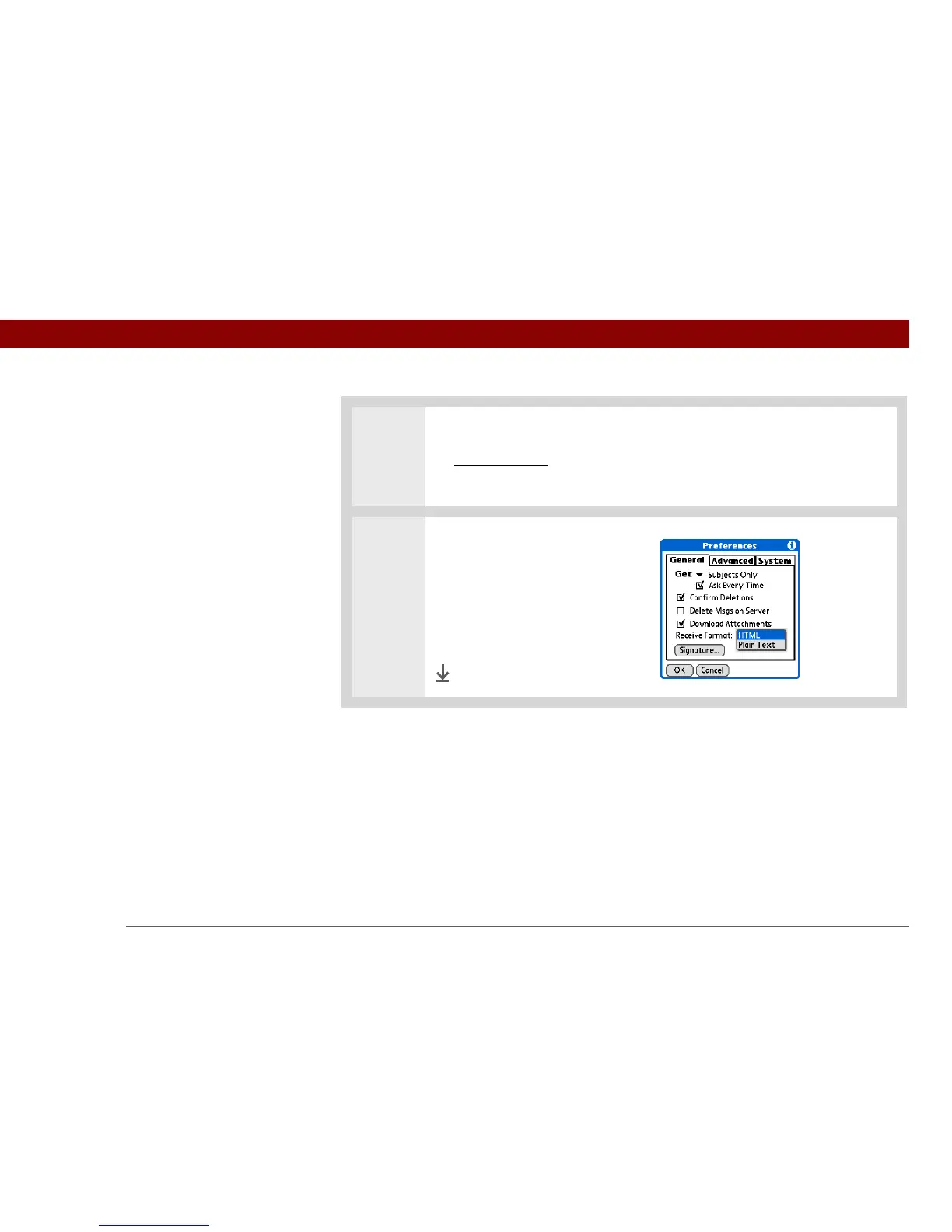
Select message format:
a. Select the Receive Format pick
list, and then select HTML or
Plain Text. The default is
HTML.
b. Select OK.
Done



 To Next Page