Tungsten™ E2 Handheld 177
CHAPTER 9 Viewing Photos and Videos
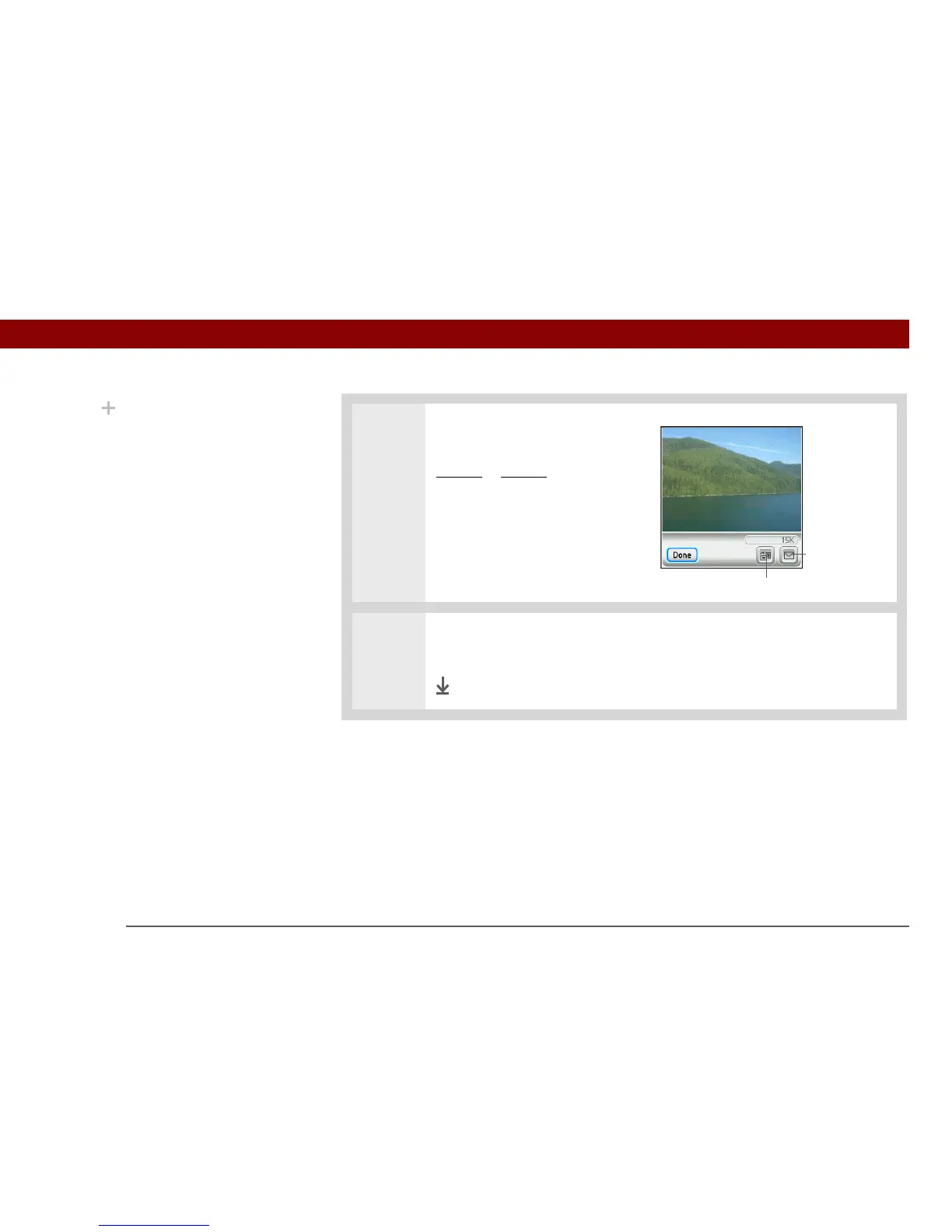
5 For photos, press Up or Down on
the 5-way to zoom in or out. If
you zoom out, icons appear for
rotating
or sending the photo.
6 Press Center or tap anywhere in the photo or video to return to the Thumbnail
View screen.
Done
Did You Know?
When a photo is zoomed
out, the size of the photo
appears above the Rotate
and Send icons. You can
also select Done in the
zoomed-out view to
return to the Thumbnail
or List View.
Rotate
Send



 To Next Page