Tungsten™ E2 Handheld 176
CHAPTER 9 Viewing Photos and Videos
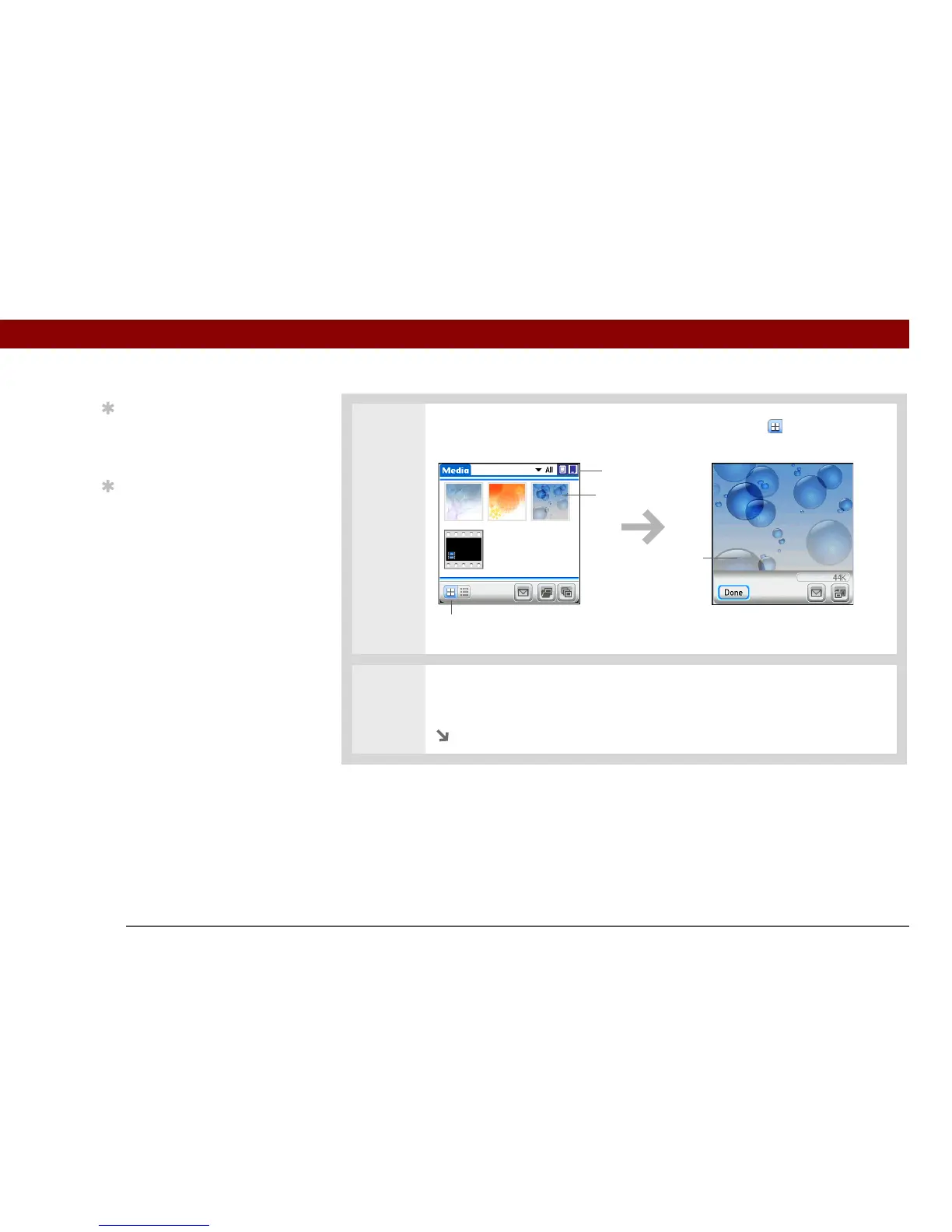
3 If the Thumbnail View is not displayed, select Thumbnails in the lower-left
corner of the screen.
4 To see a full-screen view of a photo or to play a video, select the photo or video
from the thumbnails. A video automatically starts playing when you select it.
Continued
Tip
Can’t remember what
album your photo or
video is in? Select All.
Tip
Quickly switch between
thumbnails of photos on
your handheld and
photos on an expansion
card by selecting the
icons in the upper-right
corner of the screen. The
icons appear only if there
is an expansion card
inserted into the
expansion slot.
Select a photo or
video to view



 To Next Page