Tungsten™ E2 Handheld 179
CHAPTER 9 Viewing Photos and Videos
4 To see a full-screen view of the photo or to play a video, select the item from the
list. A video automatically starts playing when you select it.
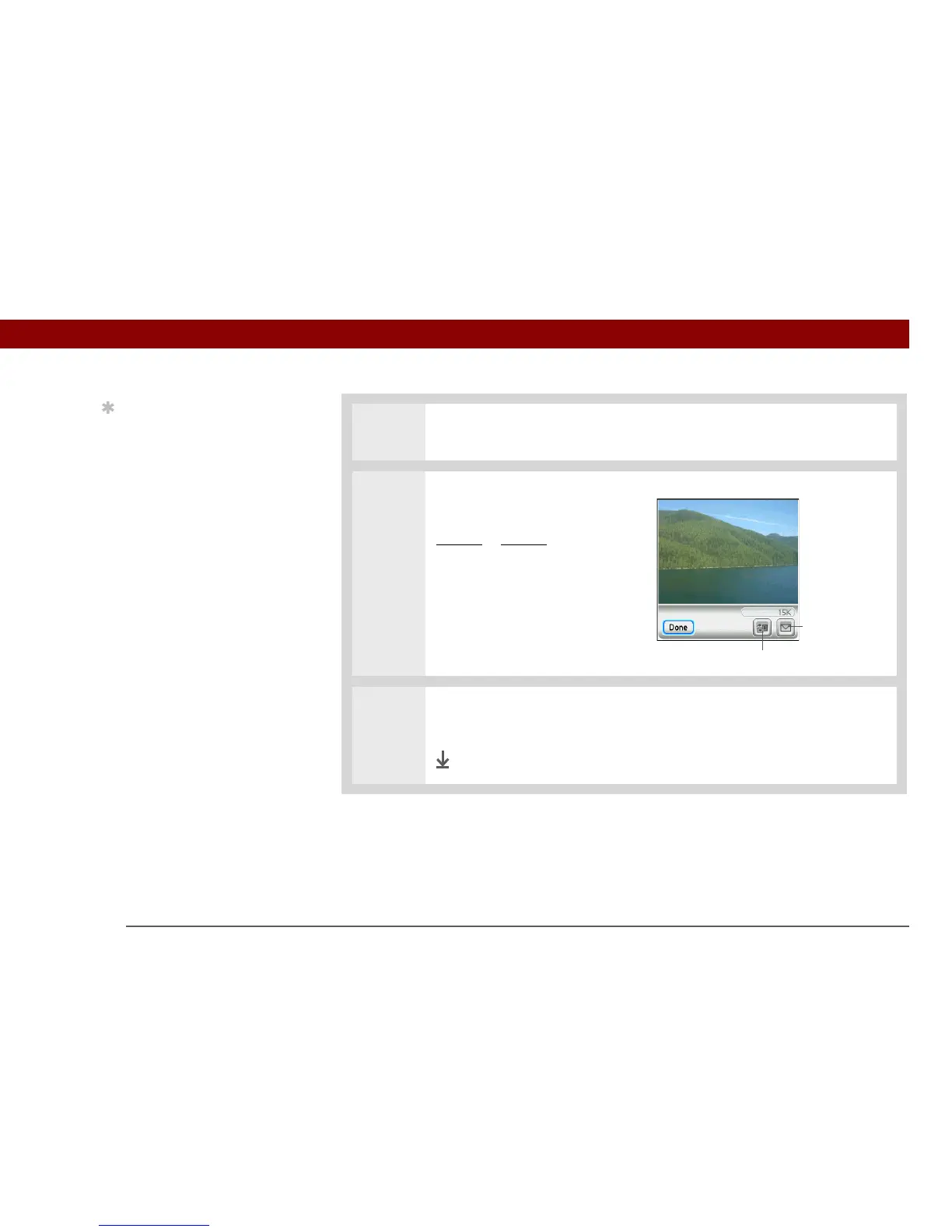
5 For photos, press Up or Down on
the 5-way to zoom in or out. If
you zoom out, icons appear for
rotating
or sending the photo.
6 Press Center or tap anywhere in the photo or video to return to the List View
screen.
Done
Tip
If a photo is larger than
your handheld’s screen—
either because of its
original size or because
you have zoomed in—tap
and drag with the stylus
to view different parts of
the photo.
Rotate
Send



 To Next Page