Tungsten™ E2 Handheld 346
CHAPTER 15 Sending and Receiving Email Messages
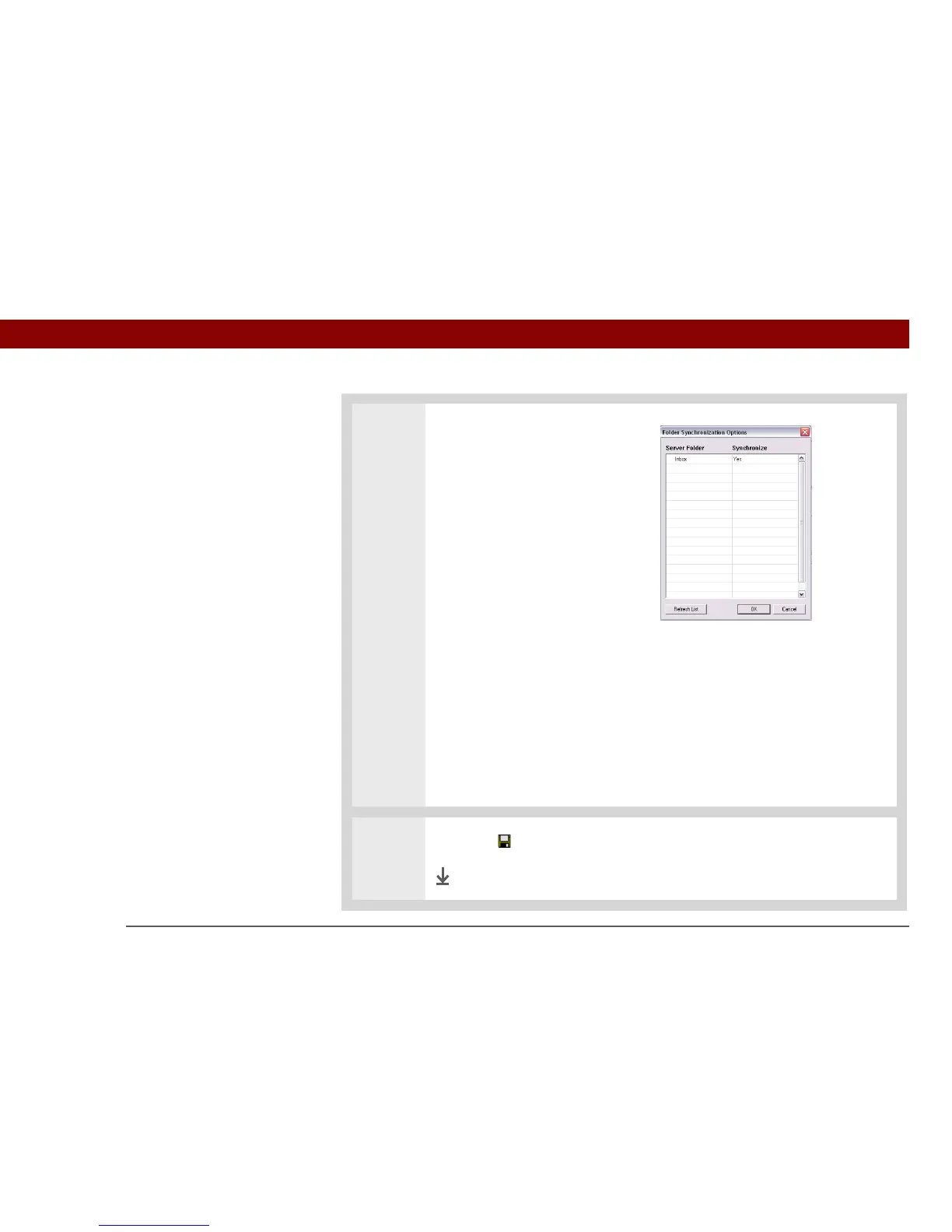
3 [ & ] OPTIONAL You can
synchronize email folders. This
means that any changes you
make to a folder on your
handheld—for example, creating
a new folder or moving
messages between folders—are
automatically updated in the
mail client on your computer,
and vice versa.
a. Click Folder Synchronization
Options.
b. Click the name of the folder
you want.
c. Click the Synchronize column
to the right of the folder
name.
d. Click the arrow to open the
drop-down list, and then click
Yes.
e. Click OK.
4 Click Save on the toolbar to save the settings for this account.
Done



 To Next Page