Tungsten™ E2 Handheld 97
CHAPTER 5 Moving Info Between Your Handheld and Your Computer
WINDOWS ONLY
0
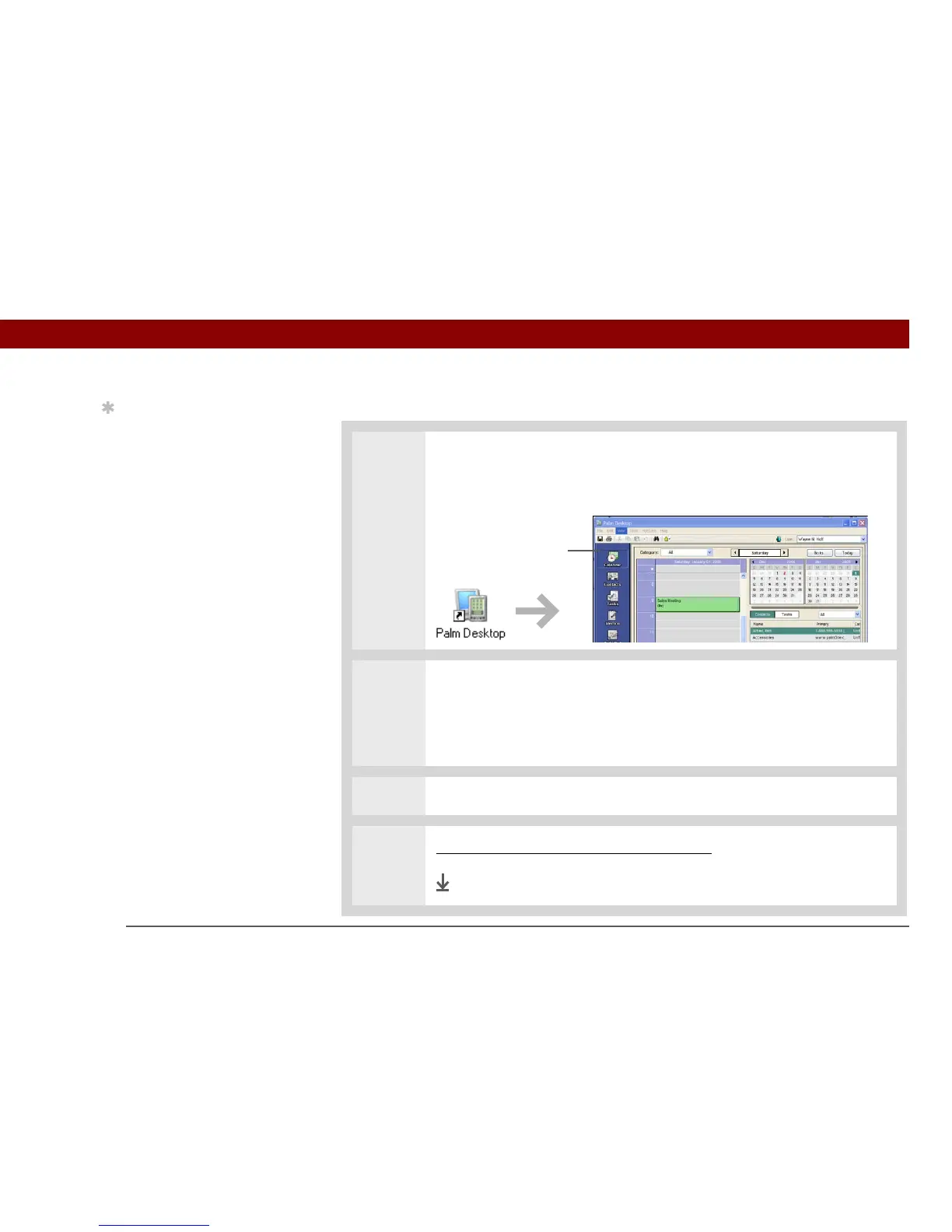
1 Open an application in Palm Desktop software:
a. Double-click the Palm Desktop icon on your computer desktop.
b. Click the icon in the launch bar to open the application.
2 Do one of the following:
• Click New in the lower-left corner of the screen to create a new entry.
• Click an existing entry, and then click Edit in the lower-left corner of the
screen.
3 Enter the information, and then click OK.
4 Synchronize your handheld with your computer.
Done
Tip
The Palm Desktop online
Help has lots of info
about how to use
Palm Desktop software.
Open the Help menu and
select Palm Desktop Help.
Launch bar



 To Next Page