Tungsten™ E2 Handheld 126
CHAPTER 6 Managing Your Contacts
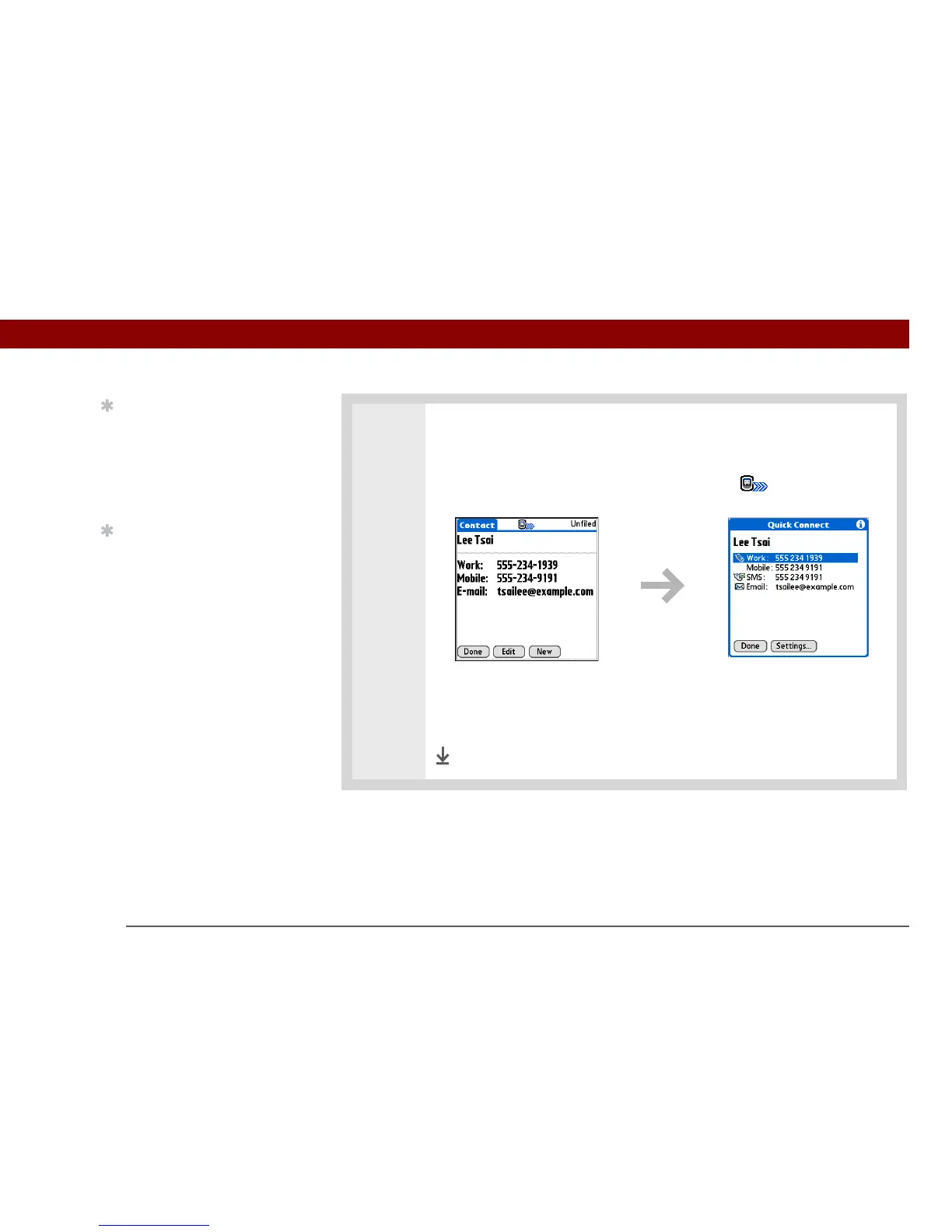
2 Make a connection using Quick Connect:
a. Select the contact you want.
b. In the Contact view, select the Quick Connect icon at the top of the
screen to open the Quick Connect dialog box.
c. Select the type of connection you want. For example, select a phone number
to dial the number on your mobile phone, or select an email address to open
the email application to a new message containing that address in the To
field.
Done
Tip
You can also open Quick
Connect from the Contact
List view by highlighting
the contact you want and
then pressing right on the
5-way navigator.
Tip
If you want to close the
Quick Connect dialog box
without making a
connection, press Left on
the 5-way.



 To Next Page