Tungsten™ E2 Handheld 129
CHAPTER 6 Managing Your Contacts
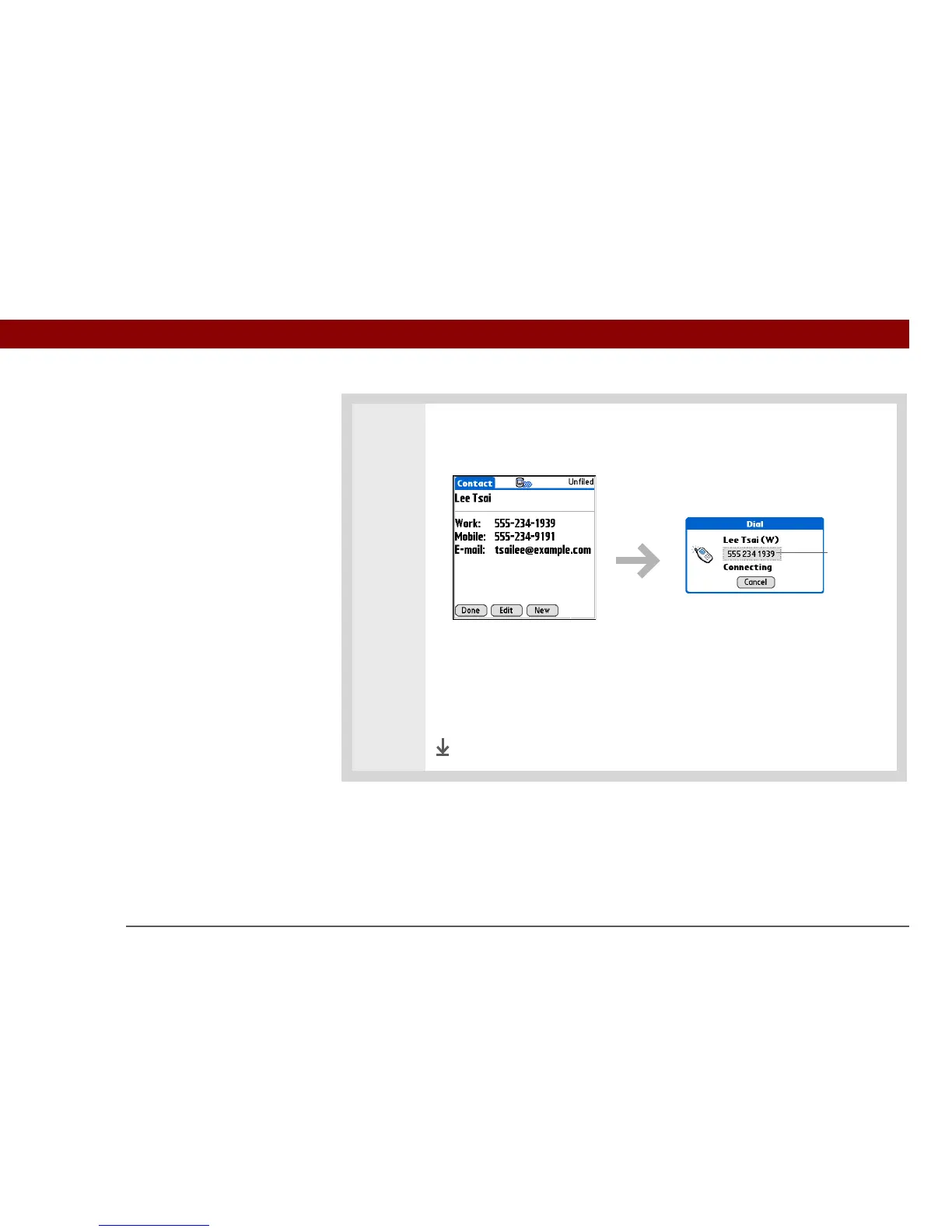
3 Make a connection with Tap-to-Connect:
a. Select the contact you want.
b. Select the entry you want to use to connect. For example, to dial a phone
number, select the number you want to dial. To address an email message,
select an email address.
c. Select the entry to edit it if necessary. For example, you might need to add
an area code or country code to a phone number.
Done
Select to edit



 To Next Page