Tungsten™ E2 Handheld 136
CHAPTER 7 Managing Your Calendar
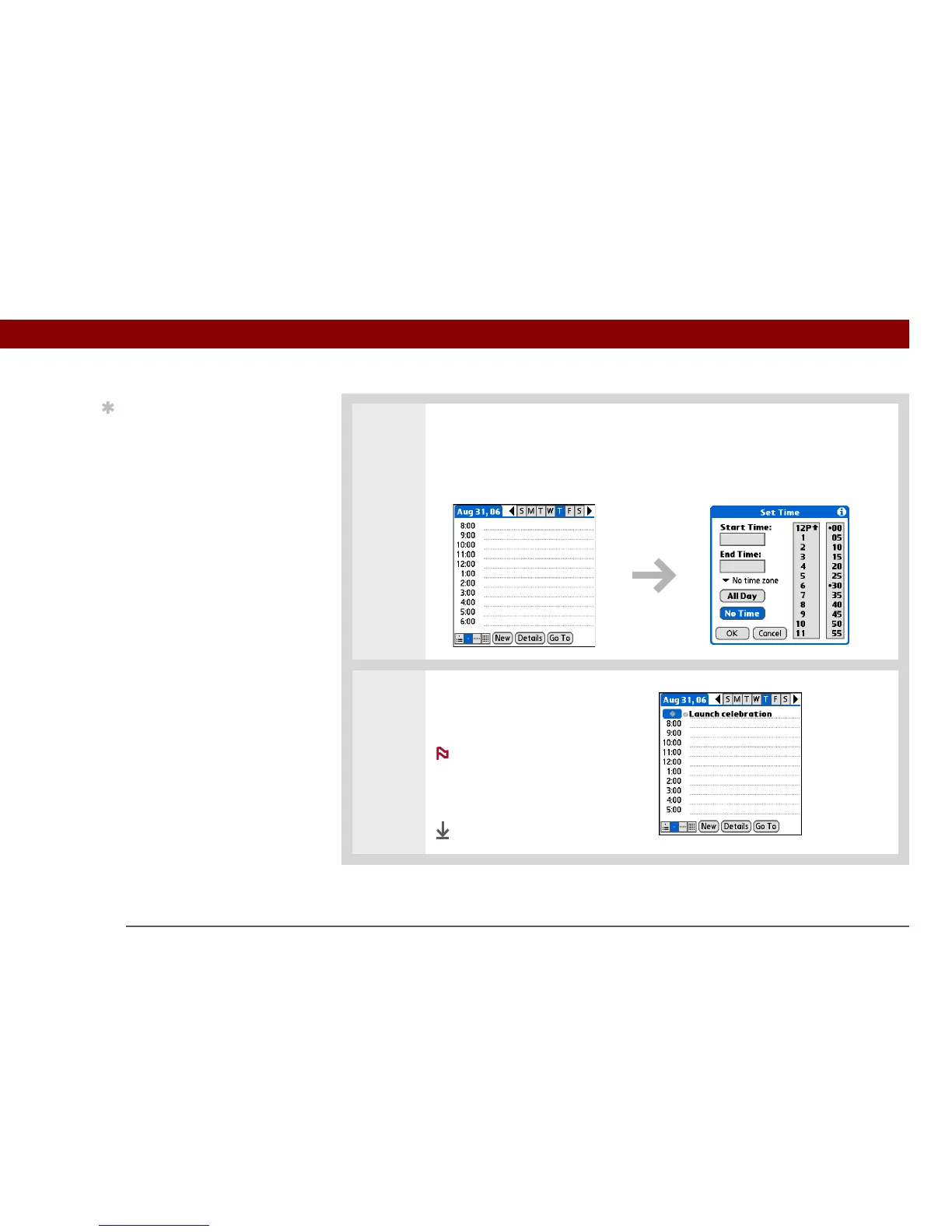
3 Add an unscheduled event line:
a. Select New.
b. Select No Time.
4 Enter a description on the line
that appears at the top of the
screen.
A diamond appears in
the time column to show that the
event doesn’t start at a specific
time.
Done
Tip
You can change an event
without a time to a
scheduled appointment.
Select the event
description, select
Details, select the Time
box, and select the start
and end times.
NOTE



 To Next Page