Tungsten™ E2 Handheld 186
CHAPTER 9 Viewing Photos and Videos
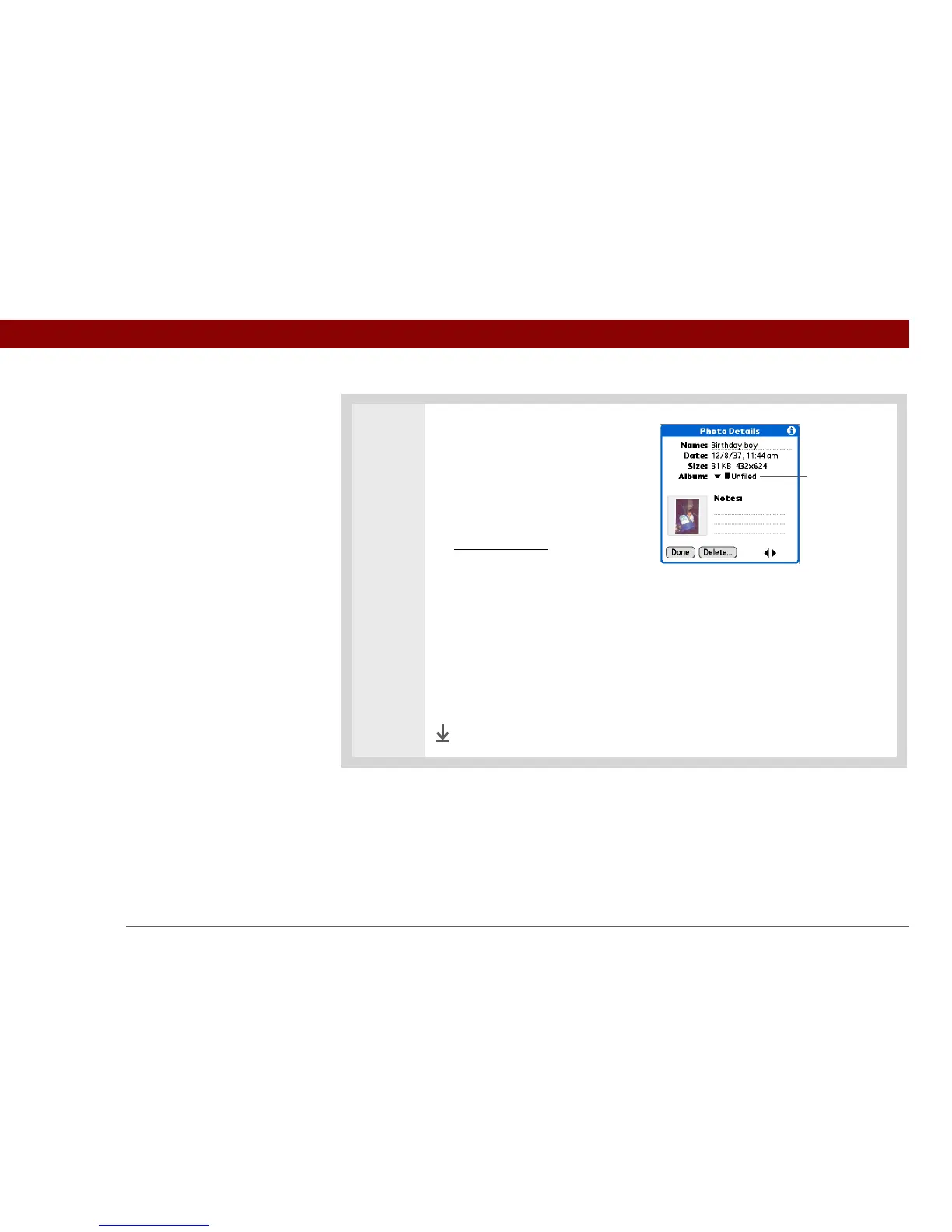
3 Move a photo or video between
albums:
a. Select the pick list in the upper-
right corner and select the
album containing the photo or
video you want to move.
b. Open the menus
.
c. Select Edit Details from the
Media menu, and then select the
photo or video you want to
move.
d. Select the Album pick list, and
then select the new album for
the photo.
e. Select Done.
Done
Select to
move photo
or video



 To Next Page