Tungsten™ E2 Handheld 189
CHAPTER 9 Viewing Photos and Videos
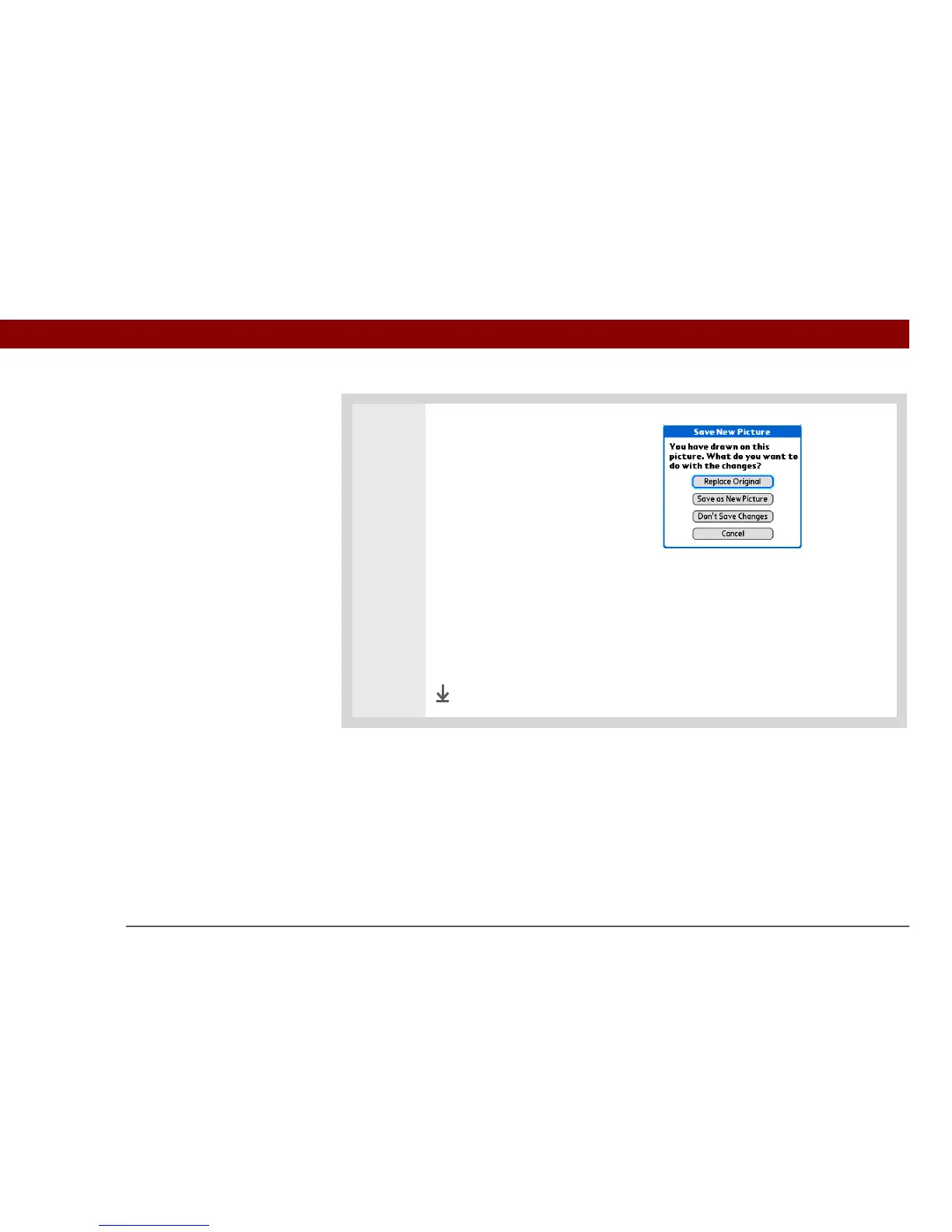
3 Select one of the following to save
or reject changes:
Replace Original Saves the photo
with drawing in place of the
original photo with no drawing; the
original photo is lost.
Save as New Picture Saves both
the photo with drawing and the
original photo with no drawing. You can enter a name for the new photo.
You can also select the pick list to save the updated photo to a different
album.
Don’t Save Changes Saves only the original photo with no drawing.
Cancel Returns to Draw on Photo screen.
Done



 To Next Page