Tungsten™ E2 Handheld 198
CHAPTER 10 Listening to Music
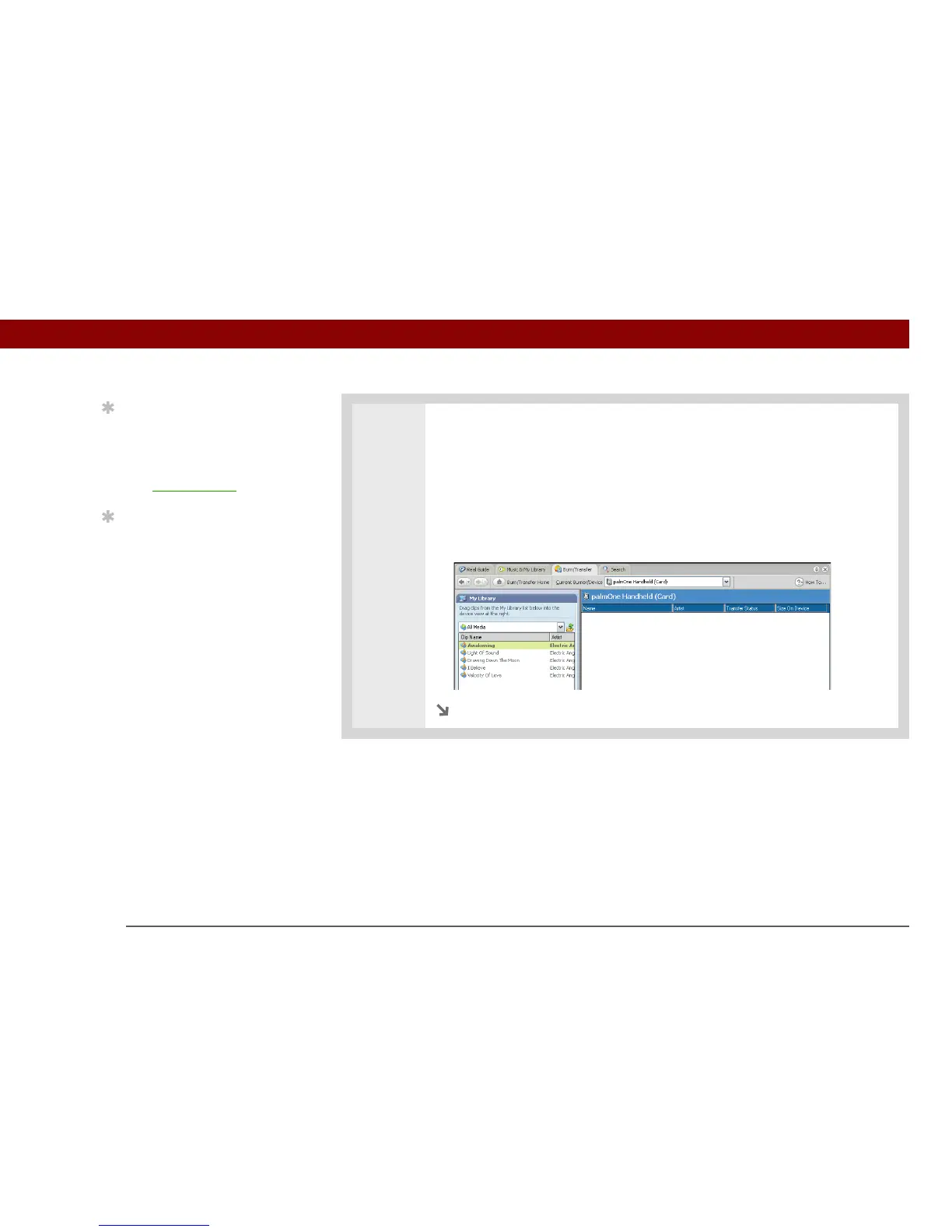
3 Select the songs you want to transfer:
a. In RealPlayer on your computer, click Burn/Transfer.
b. If necessary, select palmOne Handheld (Card) from the Current Burn/Transfer
Device drop-down list.
c. Drag the song files you want from the My Library window on the left into the
palmOne Handheld (Card) window on the right.
Continued
Tip
For tips on using
RealPlayer on your
computer, go to the Help
menu in RealPlayer or
visit www.real.com
.
Tip
You can also use a card
reader accessory (sold
separately) to transfer
MP3 files from your
computer to your
expansion card. Create an
“SD_Audio” folder on the
card, and store your MP3
files in this folder.



 To Next Page