Tungsten™ E2 Handheld 252
CHAPTER 14 Making Bluetooth Wireless Connections
4
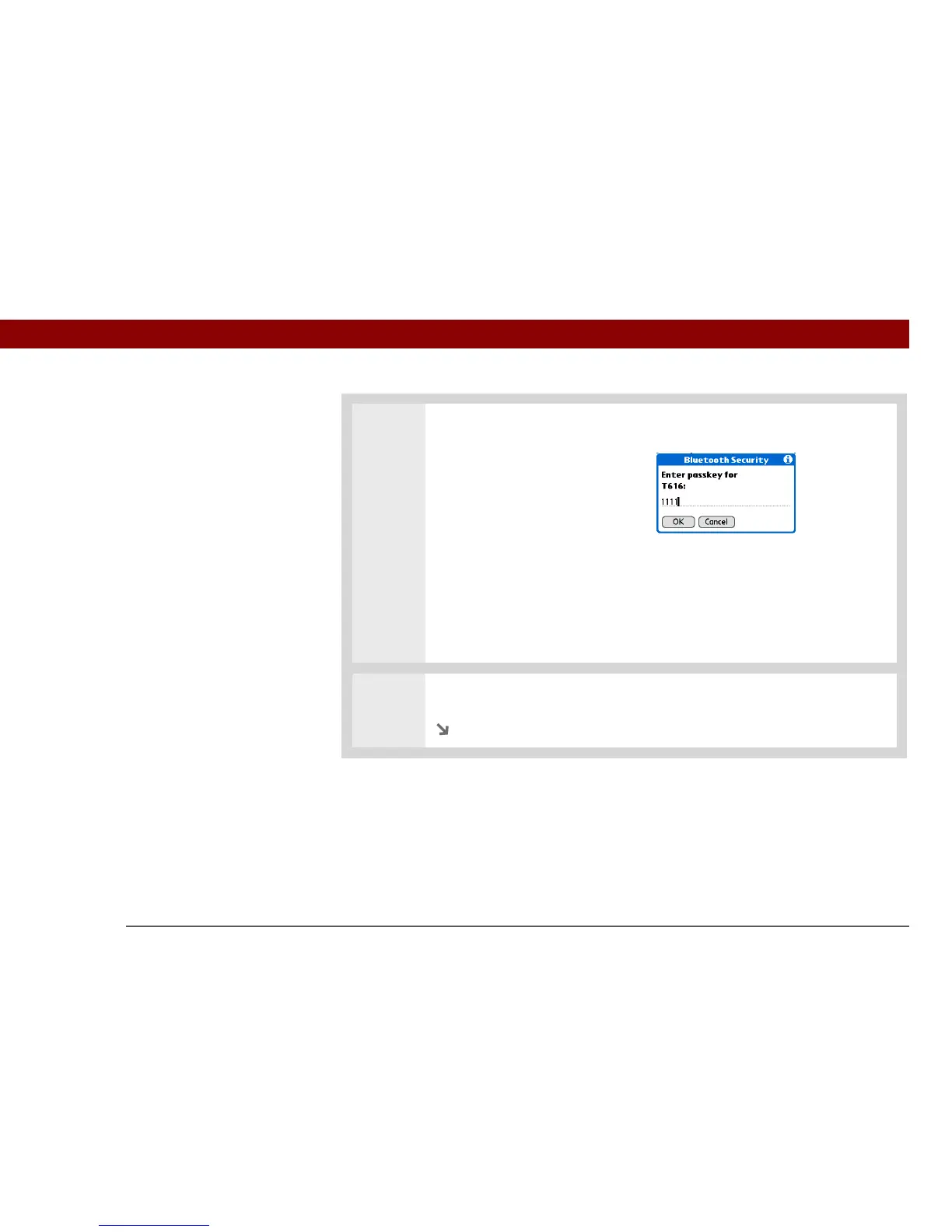
Enter a passkey:
a. Enter a passkey number. This
can be any number you
choose; it does not, for
example, have to be a
password you use to access a
network or an email account.
You must enter
the same passkey on your
handheld and your mobile phone
in order to connect to your
phone.
b. Select OK.
5
Select Done to finish phone connection setup.
Continued
»
Key Term
Passkey Like a
password, the passkey is
a security measure.
Connections can happen
only between your
handheld and a device
that has the same
passkey. For example, to
connect to your mobile
phone, you need to enter
the same passkey on your
handheld and on your
phone.
IMPORTANT
[
! ]



 To Next Page