Tungsten™ E2 Handheld 265
CHAPTER 14 Making Bluetooth Wireless Connections
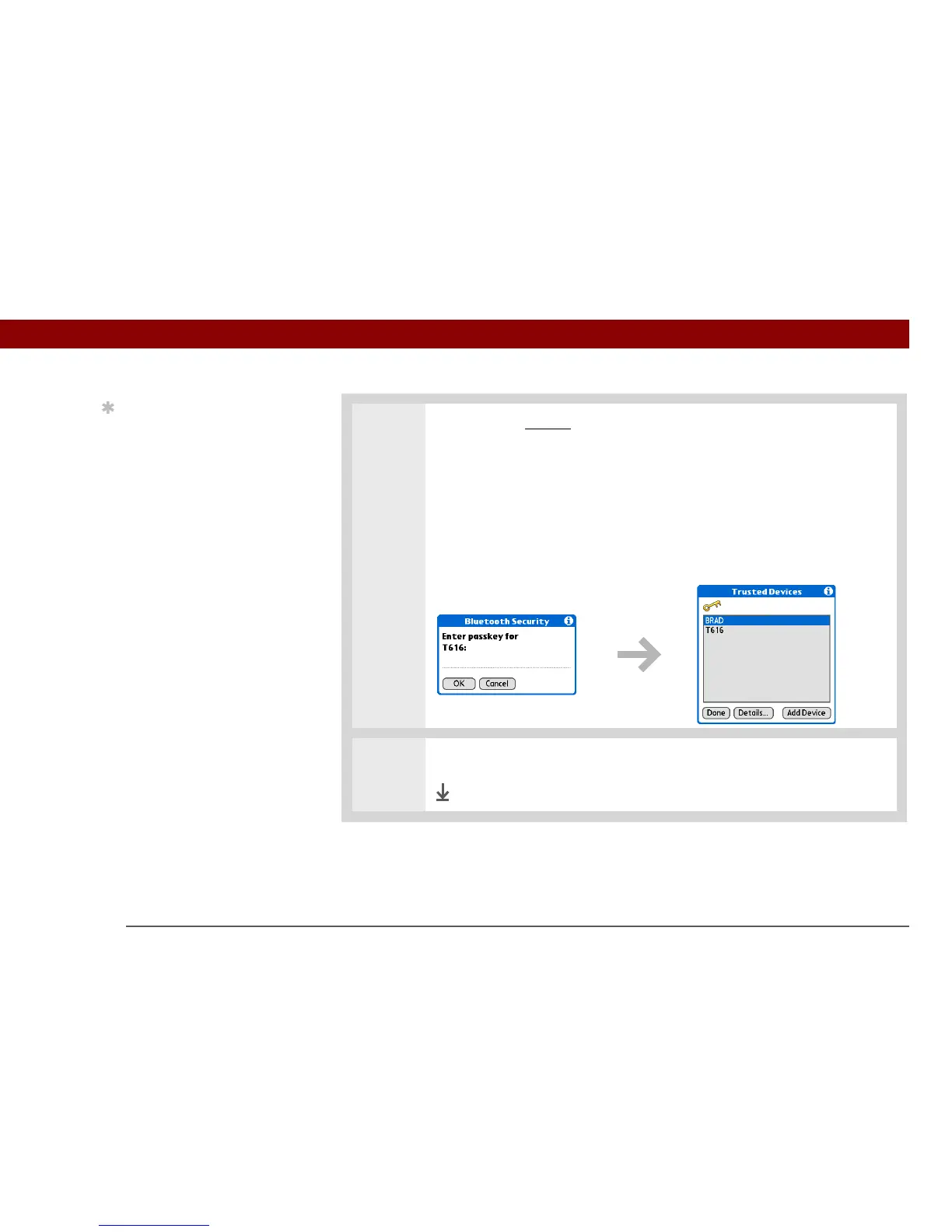
4 Enter the same passkey on your handheld and the other device and select OK.
Some Bluetooth devices have a built-in passkey; others
enable you to choose the passkey; see the documentation included with your
Bluetooth device for information. In either case you must use the same passkey
on both the device and your handheld.
Many phones also require you to put the phone into a mode where it can
accept a key exchange for bonding in a trusted pair. See the documentation
included with your phone for information.
5 Select Done.
Done
Tip
You can delete a trusted
device or view the details
about a trusted device,
such as the device
address and your most
recent connection. In
Bluetooth Manager, select
Setup Devices, and then
select Trusted Devices.
Select the appropriate
device and select Details.
IMPORTANT
[
! ]



 To Next Page