Tungsten™ E2 Handheld 314
CHAPTER 15 Sending and Receiving Email Messages
3
Select OK.
4
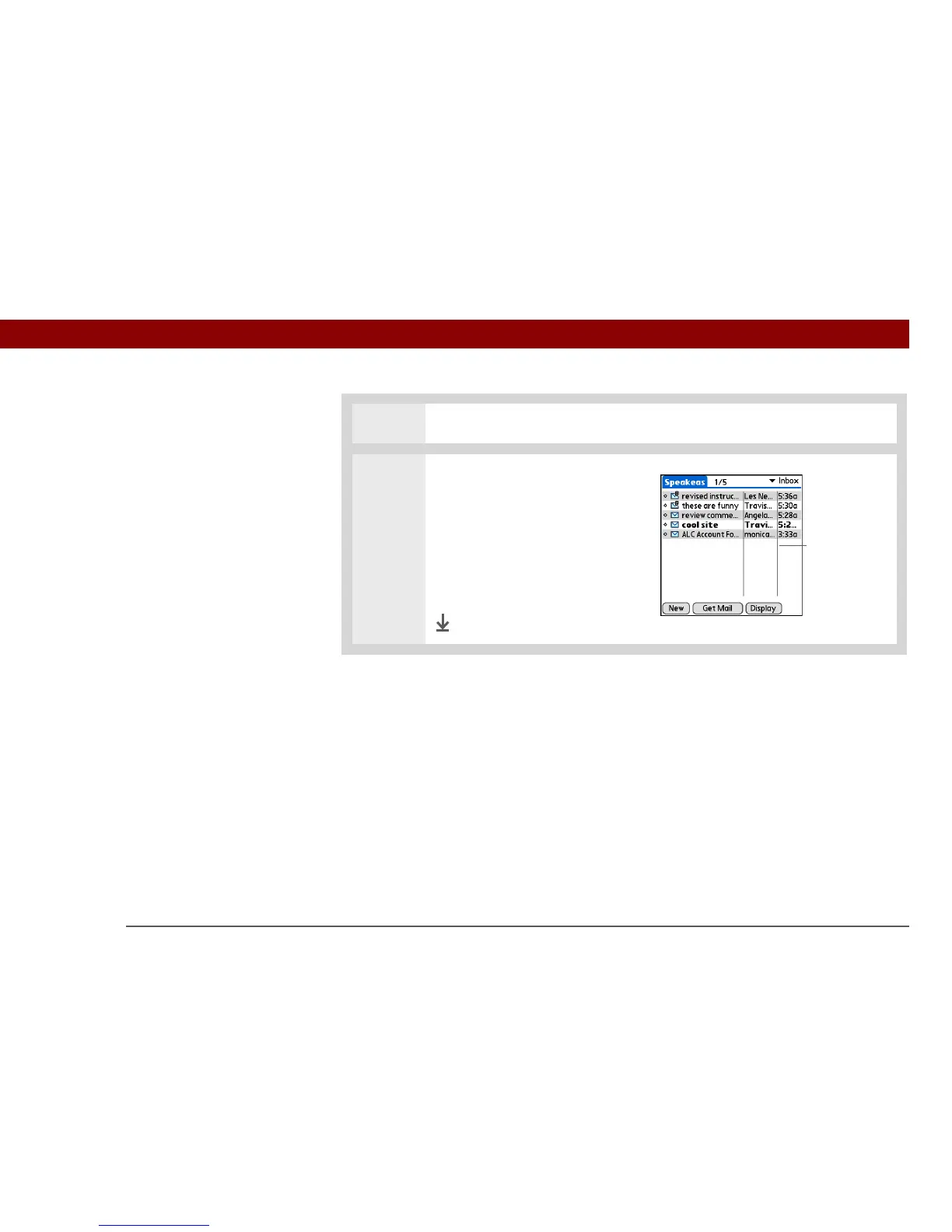
If you selected one-line summary
view in step 2, change the size of
columns in the message list:
a. Tap the column divider.
b. Drag the column divider to
change the width of the
column.
Done
Column divider



 To Next Page