Tungsten™ E2 Handheld 13
CHAPTER 1 Setting Up Your Handheld and Your Computer
MAC ONLY
0
1
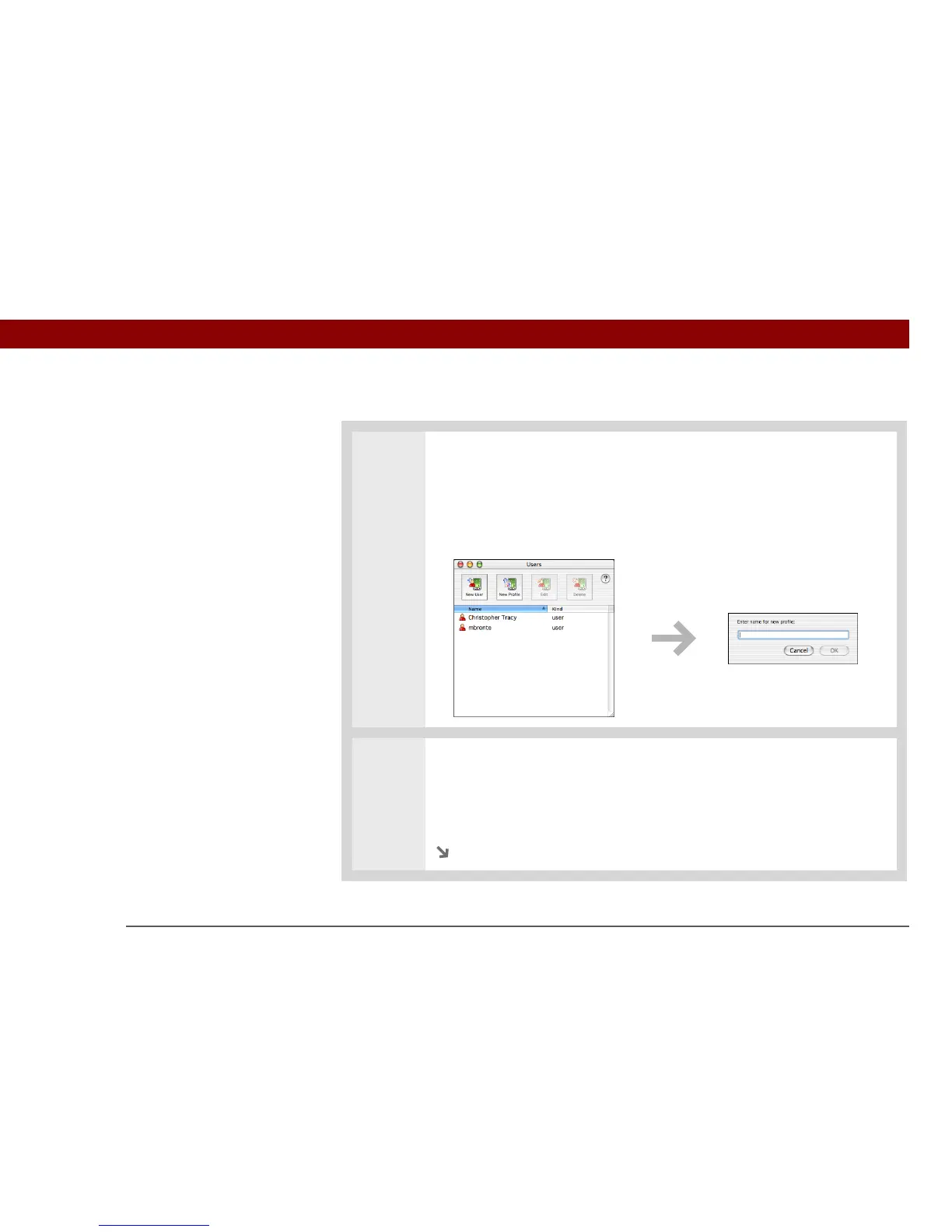
Open the New Profile screen:
a. Open Palm Desktop software.
b. From the User pop-up menu, select Edit Users.
c. Click New Profile.
2 Create the profile:
a. Enter a unique name for the profile, and click OK.
b. Close the Users window.
Continued



 To Next Page