Tungsten™ E2 Handheld 364
CHAPTER 15 Sending and Receiving Email Messages
Cont’d.
Deleted Mail (IMAP only) Stores deleted email in the folder you specify on the
server.
Sent Mail (IMAP only) Shows the name of your Sent Mail folder on the
server.
d. Select OK.
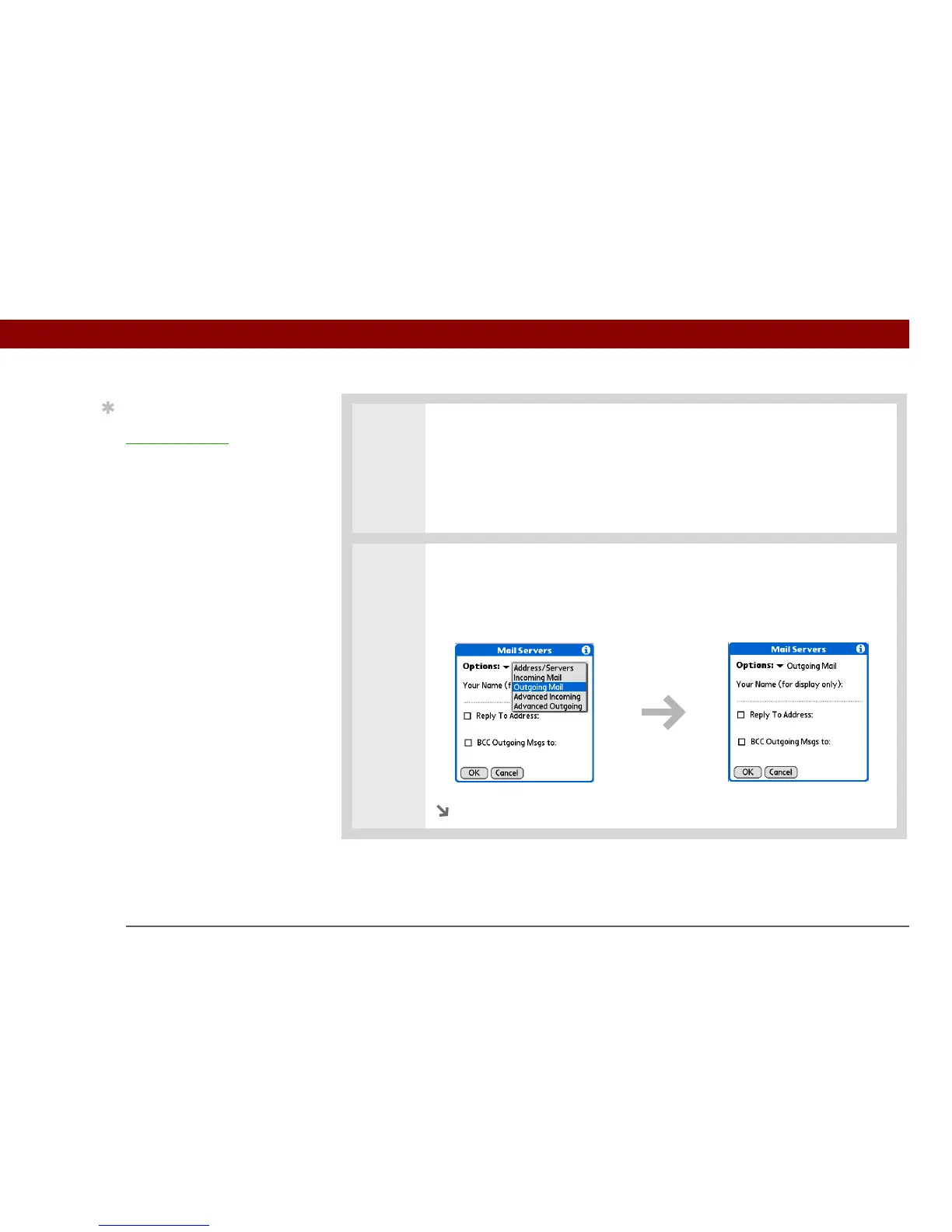
6 Manage outgoing mail server (SMTP) settings:
a. On the Mail Servers screen, select Details.
b. Select the Options pick list, and then select Outgoing Mail.
Continued
Tip
If you are using the
VersaMail conduit
and
have an IMAP account,
you must configure the
outgoing mail settings to
send mail.



 To Next Page