Tungsten™ E2 Handheld 409
CHAPTER 17 Browsing the Web
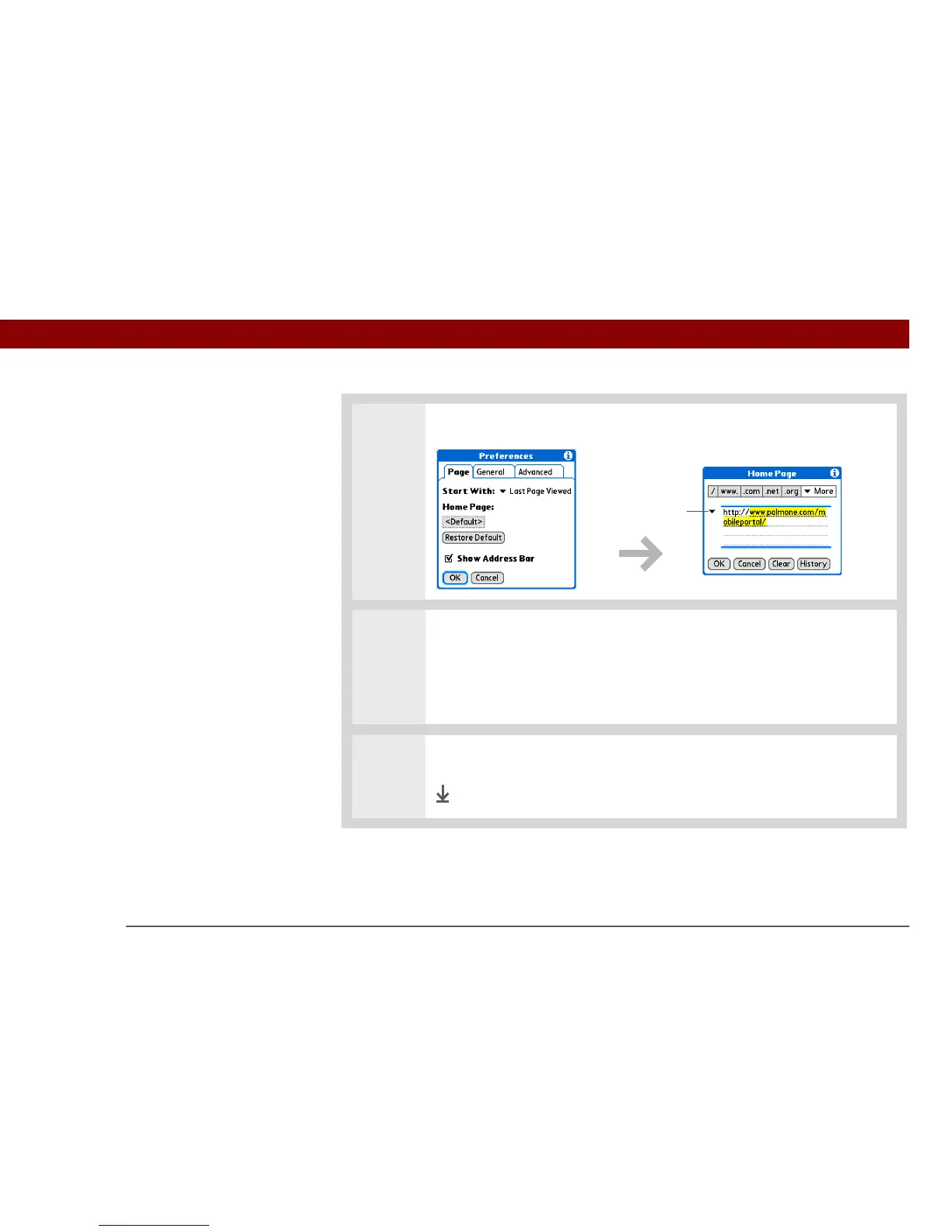
3 Select the Home Page box.
4 Enter the URL you want as your home page by doing one of the following:
• To select one of the last five pages you viewed, select the Previously Viewed
pick list and select a URL.
• Enter a URL on the Address line.
5 Select OK twice.
Done
Previously
Viewed
pick list



 To Next Page