Tungsten™ E2 Handheld 435
CHAPTER 19 Sharing Information
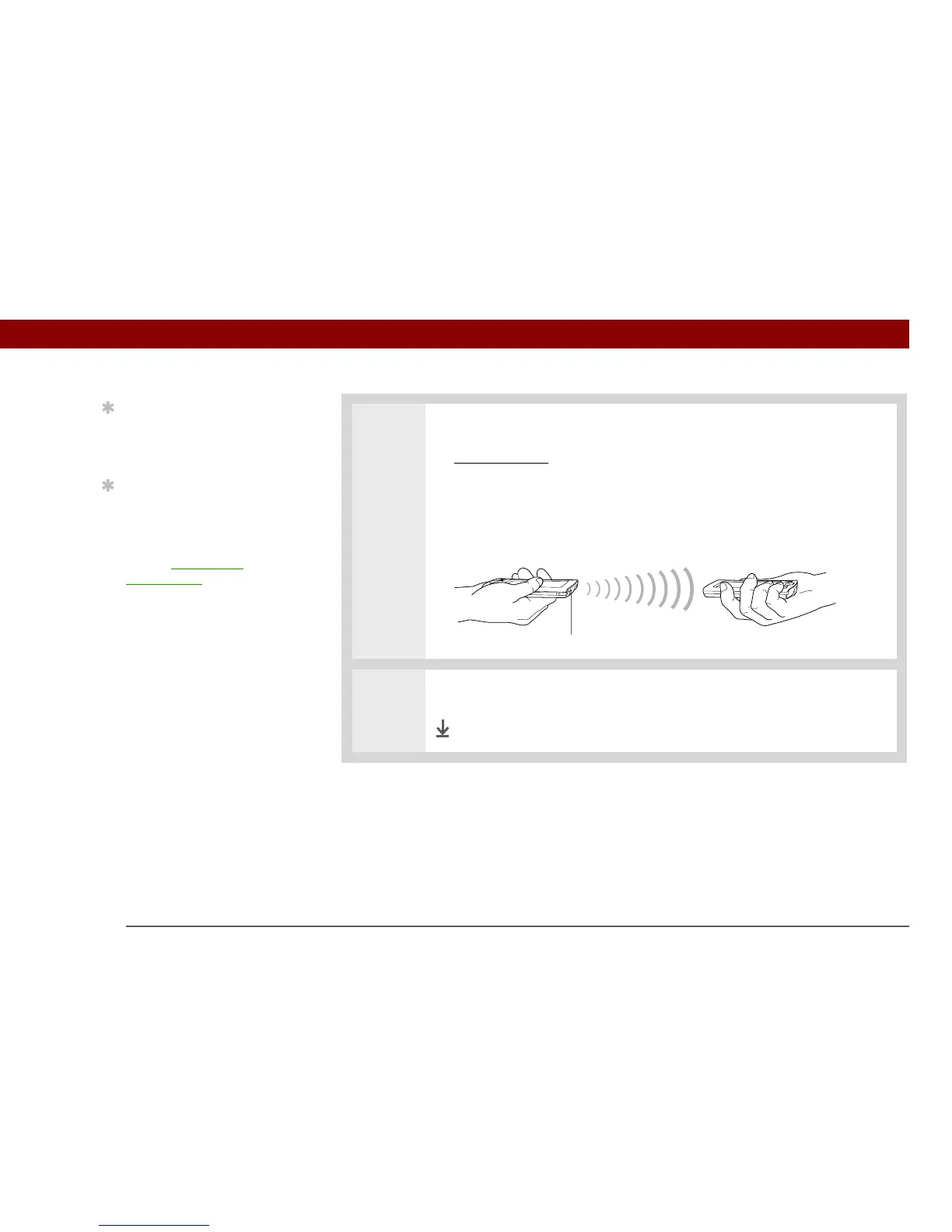
2 Beam the information:
a. Open the menus
.
b. Select the Beam menu item in the leftmost menu. The leftmost menu in most
applications is named Record.
c. When the Beam dialog box appears, point your handheld’s IR port directly at
the IR port of the other handheld.
3 Wait for the Beam dialog box to indicate that beaming is complete.
Done
Tip
The leftmost menu in
most applications is
named Record.
Tip
In Contacts, you can
create a contact with your
own information and
select it as your business
card by opening the
Record Menu and
selecting Business Card.
Beam your business card
to other handhelds by
holding down the
Contacts Quick button
until the Beam dialog box
appears.
IR port



 To Next Page