Tungsten™ E2 Handheld 469
CHAPTER 22 Keeping Your Information Private
3
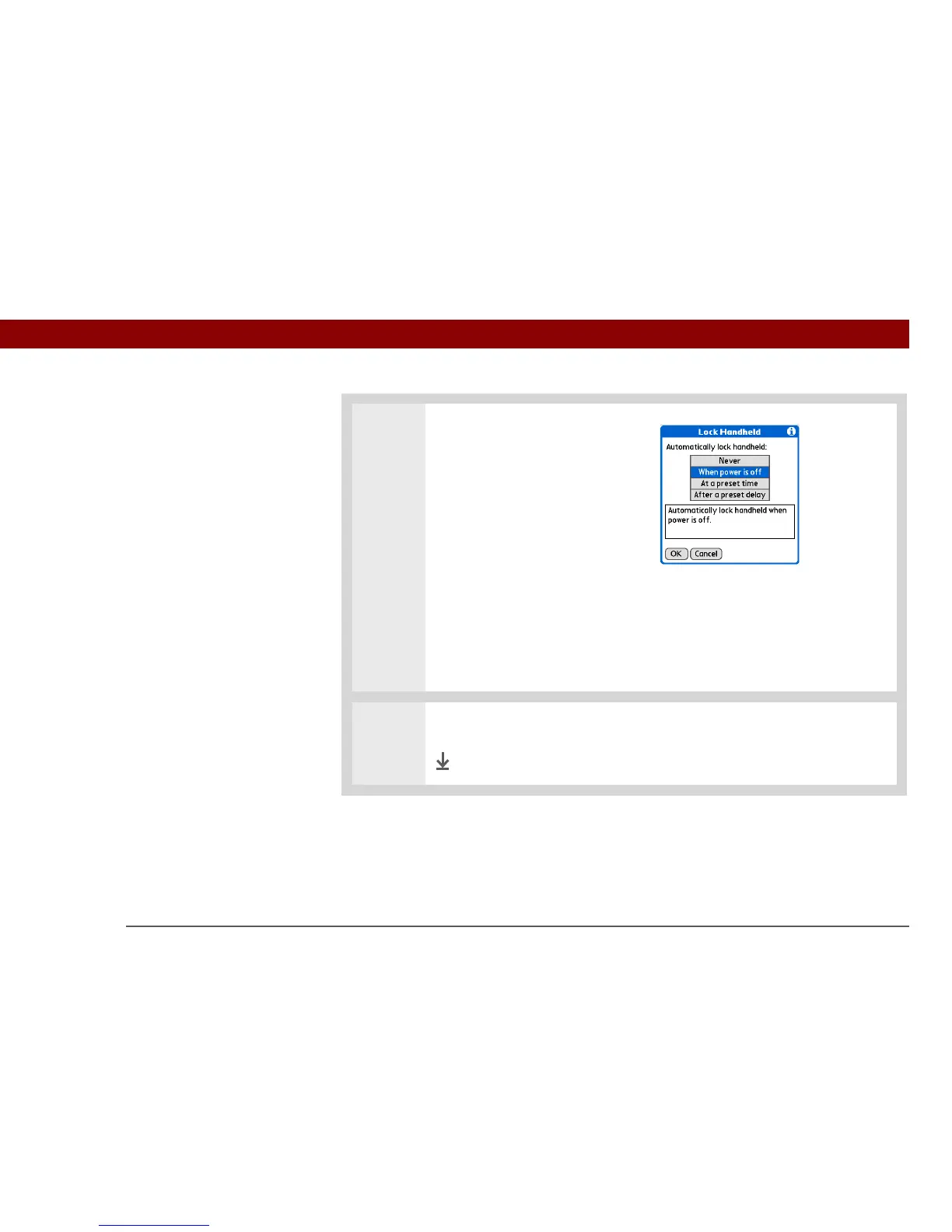
Select one of these lock options:
Never Always leave your
handheld unlocked.
When power is off
Automatically lock your
handheld whenever you turn it
off.
At a preset time Set a time
when your handheld will
automatically lock.
After a preset delay Set a
period of inactivity after which
your handheld will automatically
lock.
4 Select OK, and then select Done.
Done



 To Next Page