Tungsten™ E2 Handheld 511
CHAPTER 25 Customizing Your Handheld
3
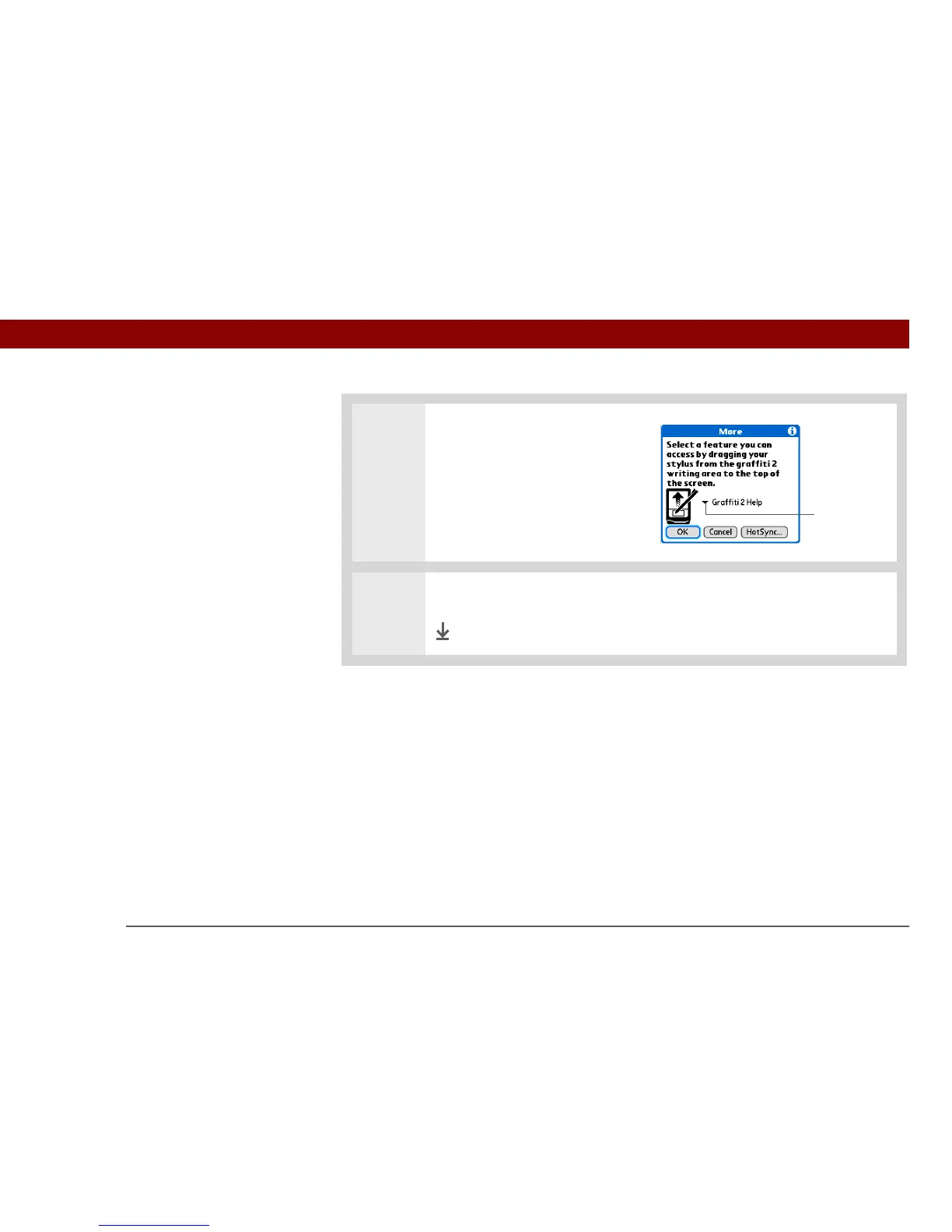
Assign the full-screen pen stroke:
a. Select More.
b. Select the pick list and select
the action you want to assign
to the full-screen pen stroke.
c. Select OK.
4 Select Done.
Done
»
Key Term
Full-screen pen stroke
A stroke that is drawn
from the bottom of the
input area to the top of
the screen. You can use
this stroke as a quick way
to do a selected task, such
as opening the Graffiti
®
2
Help screen.
Pick list



 To Next Page