Tungsten™ E2 Handheld 516
CHAPTER 25 Customizing Your Handheld
0
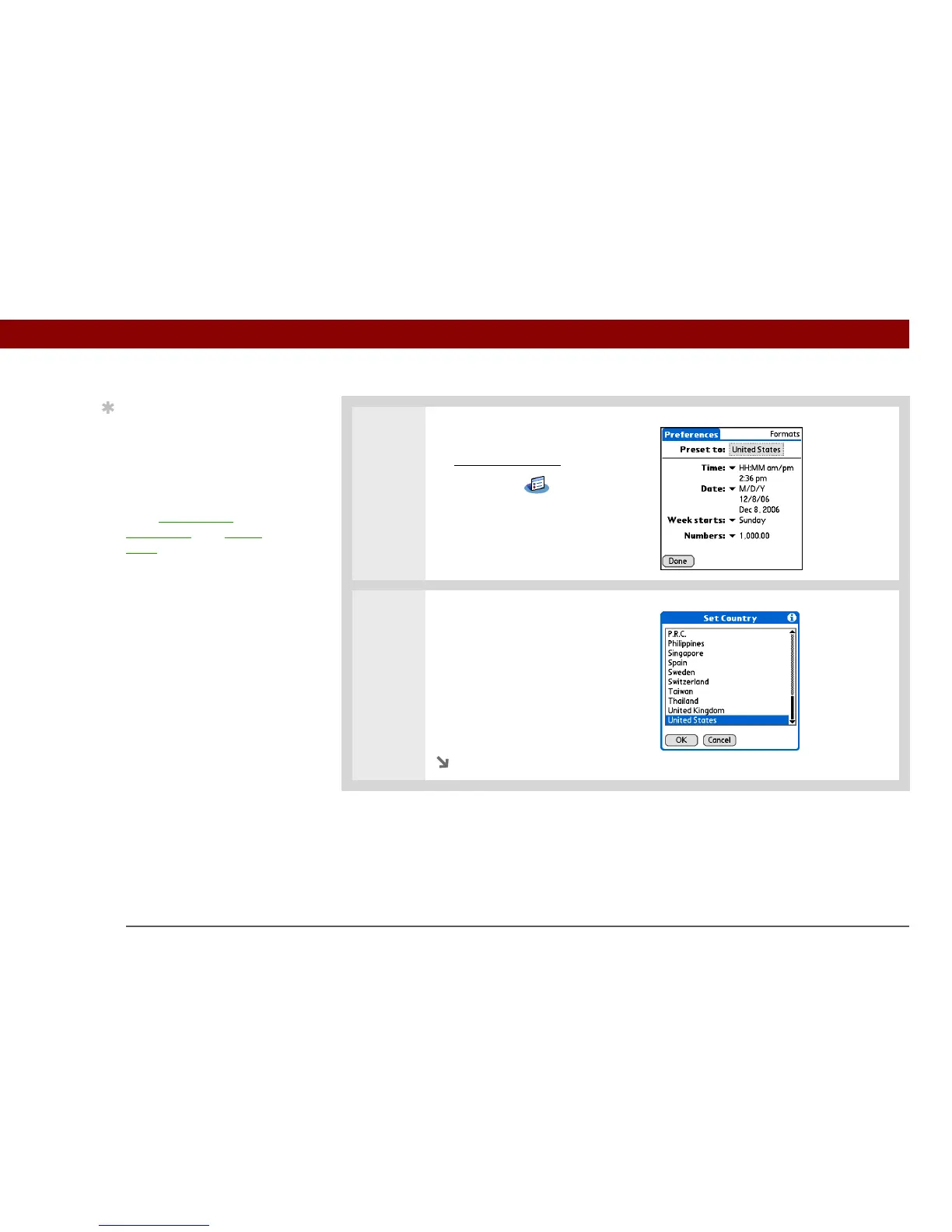
1 Open Formats Preferences:
a. Go to Applications
.
b. Select Prefs .
c. Select Formats.
2
Select a country:
a. Select the Preset to box to
open the Set Country dialog
box.
b. Select a country.
c. Select OK.
Continued
Tip
The country setting
changes only the way the
date and time look. It
doesn’t change your
handheld’s time to that
country’s time. To do that,
go to Date & Time
Preferences or to World
Clock.



 To Next Page