Tungsten™ E2 Handheld 544
CHAPTER 25 Customizing Your Handheld
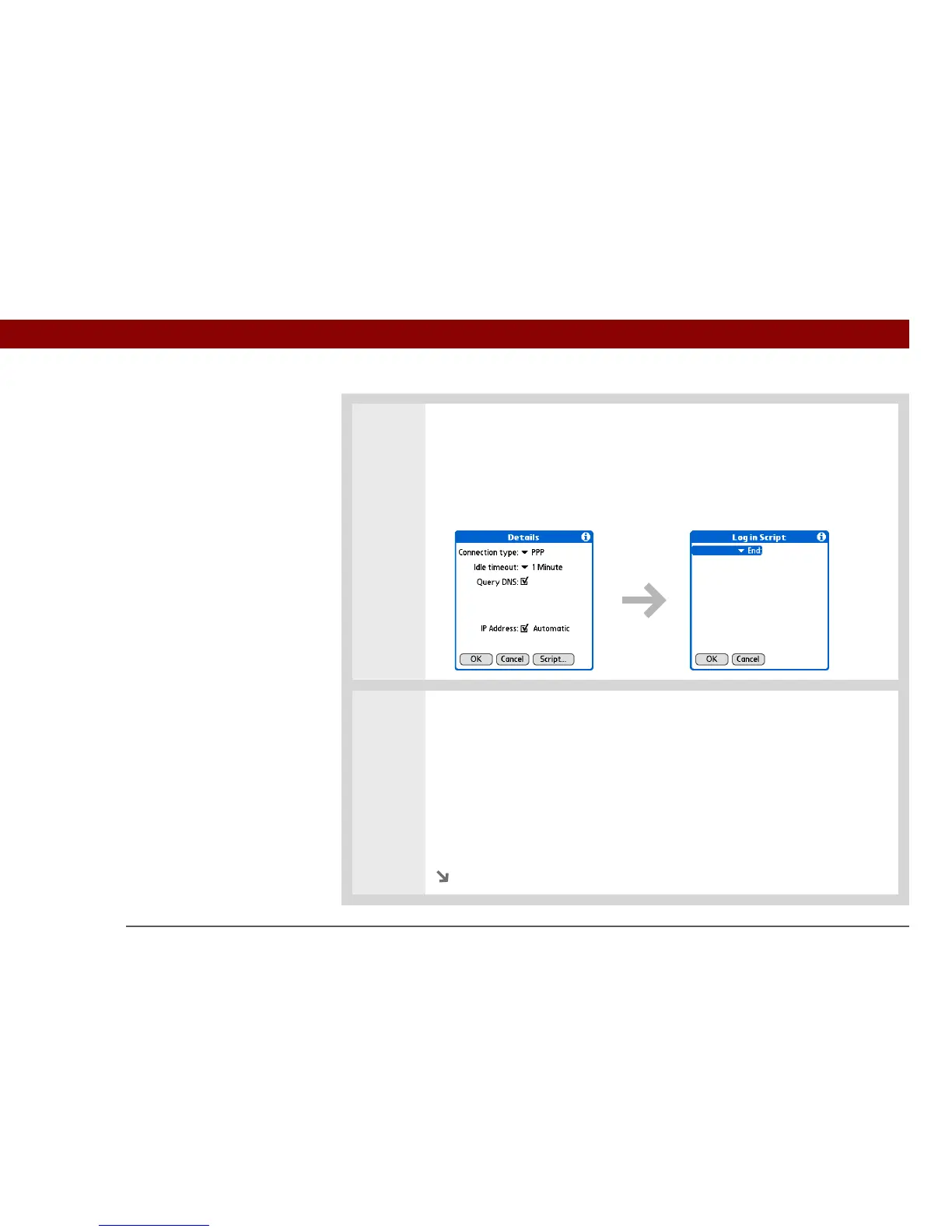
2 Open the Login Script dialog box:
a. Select the Service pick list and select the service you want to add a script to.
b. Select Details.
c. Select Script.
3 Select the End pick list and select one of the following commands from the list:
Wait For Tells your handheld to wait for specific characters from the server
before executing the next command.
Wait For Prompt Detects a challenge-response prompt coming from the
server, and then displays the dynamically generated challenge value. You then
enter the challenge value into your token card, which in turn generates a
response value for you to enter on your handheld. This is a two-part command
that is separated by a vertical bar (|) on the input line.
Continued



 To Next Page