Tungsten™ E2 Handheld 563
CHAPTER 27 Maintaining Your Handheld
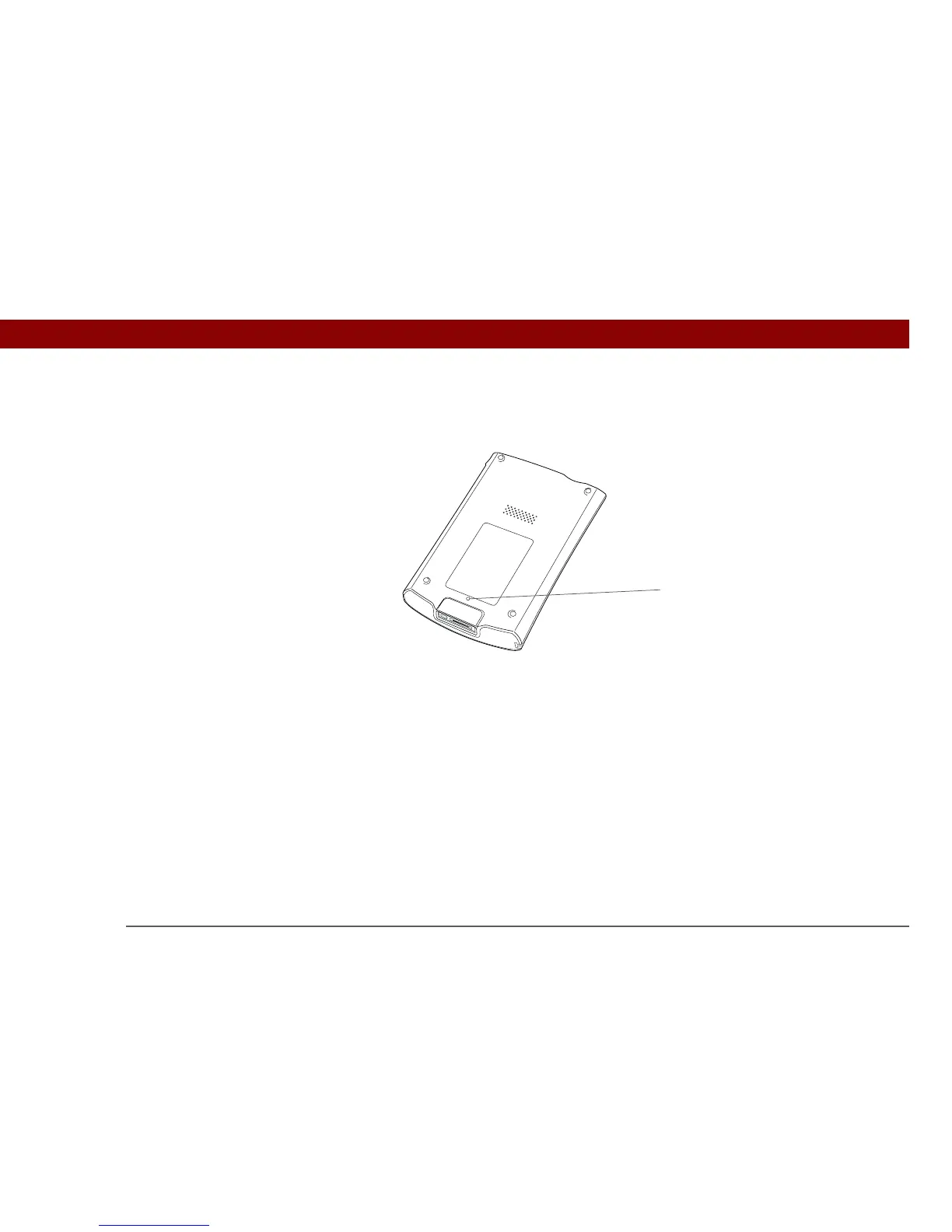
To do a soft reset, use the tip of the stylus to gently press the reset button inside the hole on the
back panel of your handheld.
If your handheld does not respond after a soft reset, you need to do a hard reset.
Reset button



 To Next Page