Tungsten™ E2 Handheld 566
CHAPTER 27 Maintaining Your Handheld
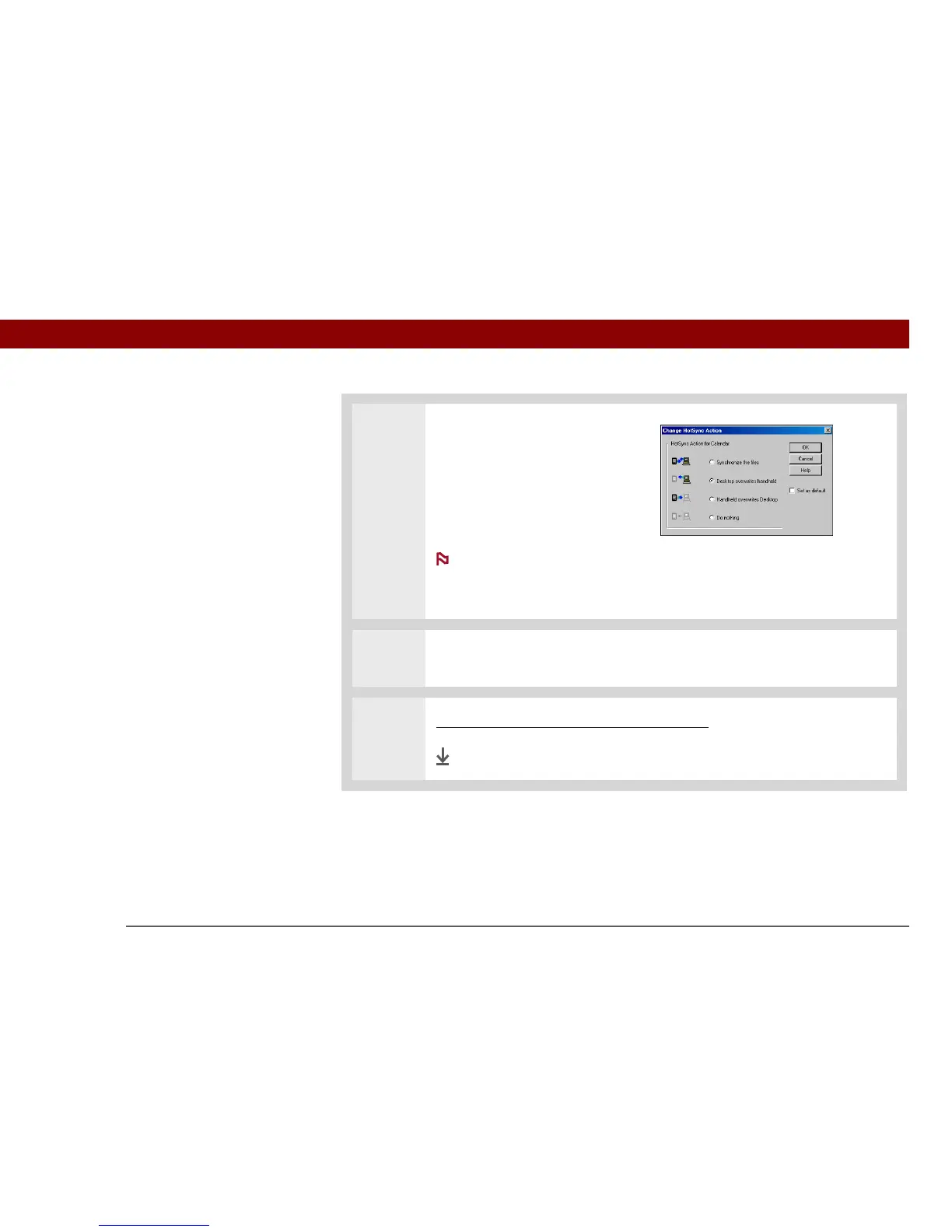
3 Set the transfer options:
a. Select an application in the
Conduit list, and then click
Change.
b. Select Desktop overwrites
handheld.
This change applies
only to the next synchronization.
c. Click OK.
4 Repeat step 3 for the other applications in the list that you want to restore, and
then click Done.
5 Synchronize your handheld with your computer.
Done
NOTE



 To Next Page