Tungsten™ E2 Handheld 78
CHAPTER 5 Moving Info Between Your Handheld and Your Computer
Cont’d.
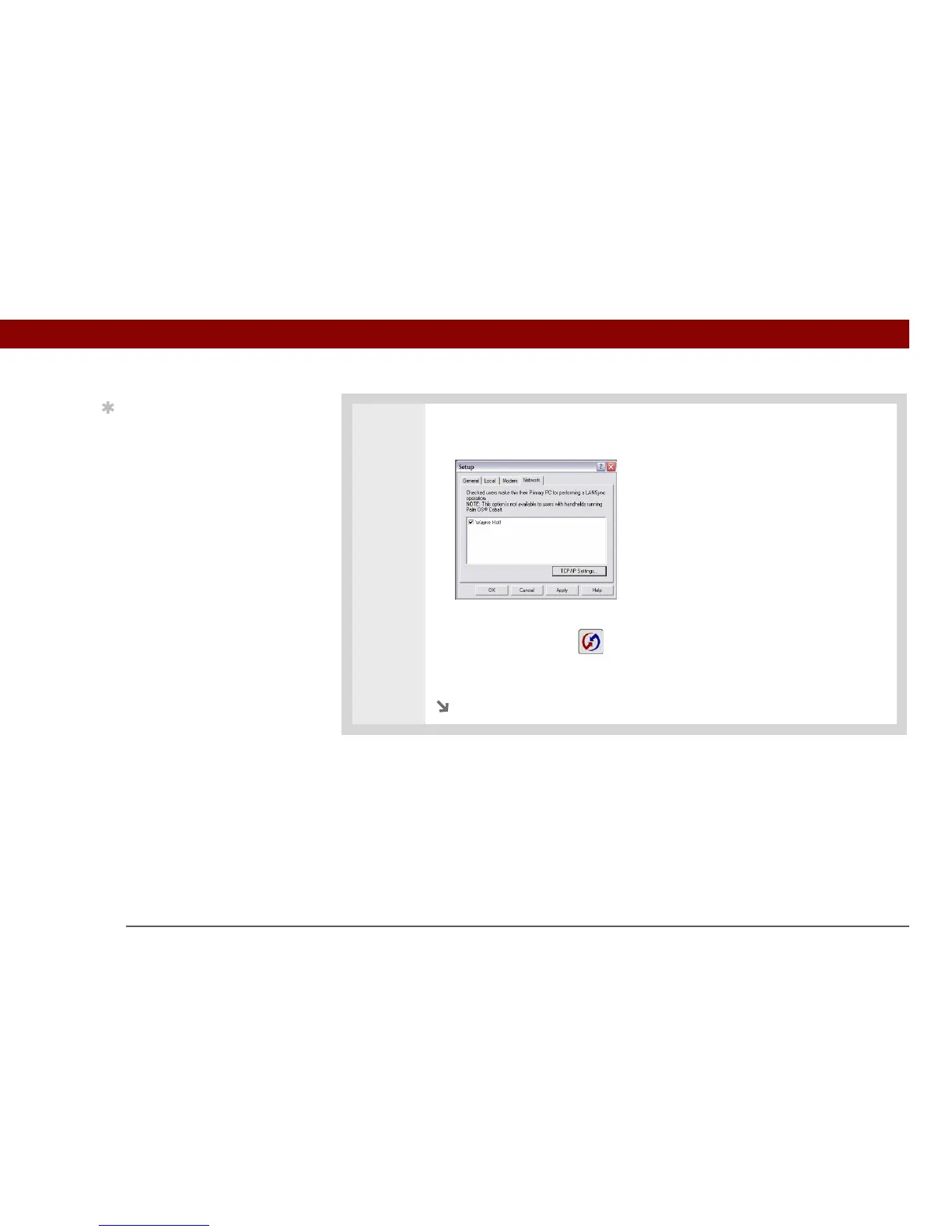
d. Click the Network tab and make sure your username has a checkmark next to
it. If the checkmark is not there, check the box next to your username.
e. Click OK.
f. Tap the HotSync icon on your handheld to record your computer’s
network information on your handheld. You must use the cable or the IR port
for this synchronization.
Continued
Tip
Click TCP/IP Settings to
display the primary
settings for your
computer. Check that
these settings are correct
on your handheld by
selecting the HotSync
icon on the Applications
View, and then selecting
Primary PC Setup from
the Options menu. If the
settings do not match,
restart your computer
and synchronize your
handheld with your
computer using the cable
or IR port before
synchronizing by dialing
in to a network.



 To Next Page