15-8
15-2-2. Adjust value
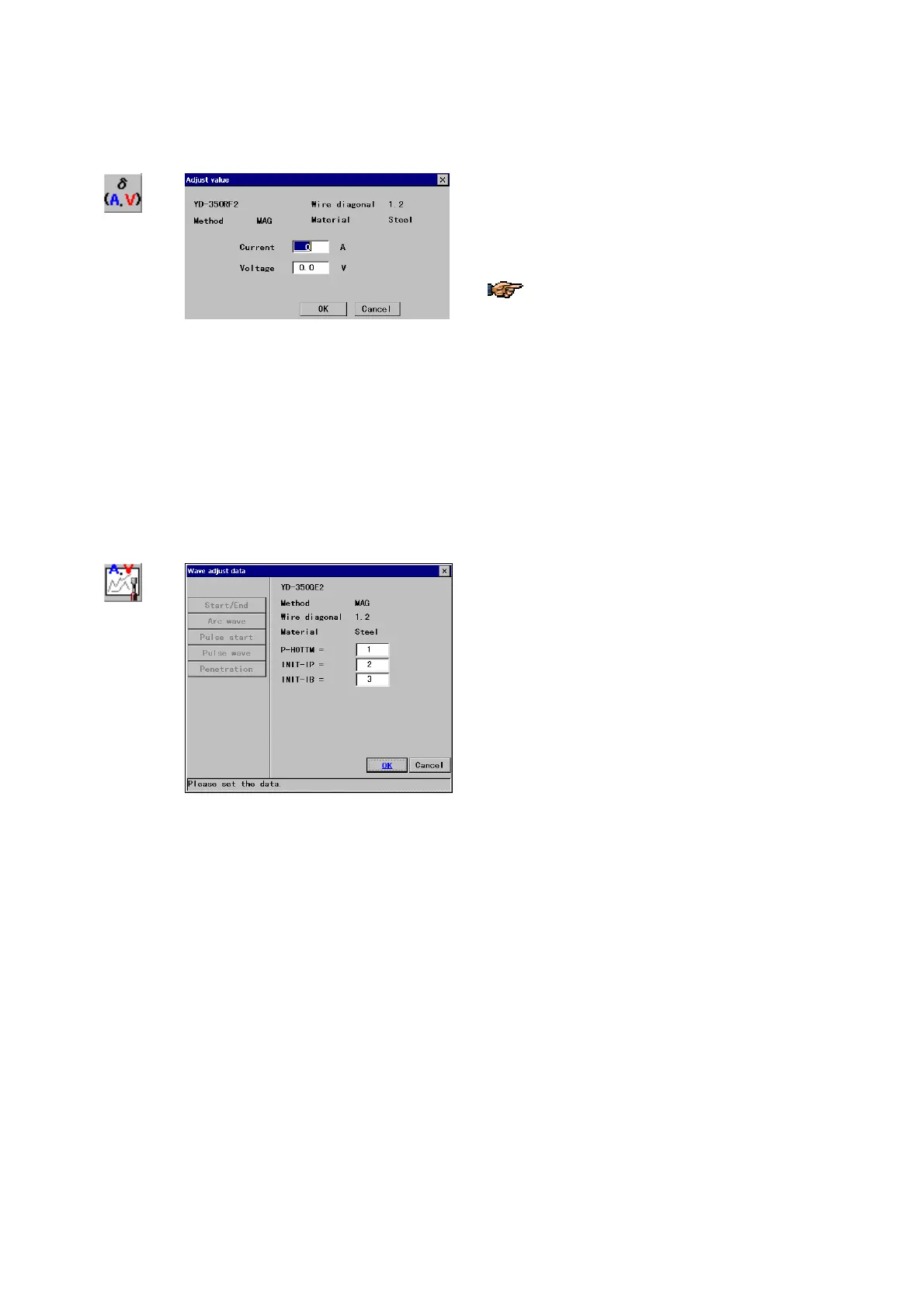
This function allows the user to calibrate the amperage and voltage of the welding machine if needed.
Adjust value
Î
[Current] Specify the correction amperage. [Set range:
±50 A]
[Voltage] Specify the correction voltage. [Set range:
±5.0 V]
For both current and voltage, the adjust value is
calculated by
[
Input value] – [output value]
That is, when command TP says 200 amp and
If welder says 199 amp.,
then the current adjust value should be +1
(200-199).
If welder says 201 amp.,
then the current adjust value should be –1
(200-201)
15-2-3. Wave adjust data
It is for fine adjustment of each welding parameter on a global scale.
Wave
adjust data
Î
[Start/End]
Parameters at arc start and arc end.
[Arc wave] Parameters of arc waveform.
[Pulse start] Parameters of arc start for pulsed MIG
welding
[Pulse wave] Parameters of pulse waveform.
[Penetration] Parameters of penetration.








 To Next Page