5-5
5-8. End of operation
To end the current operation, bring the robot in the hold state and then close the file.
5-9. Advanced use of “AUTO” mode
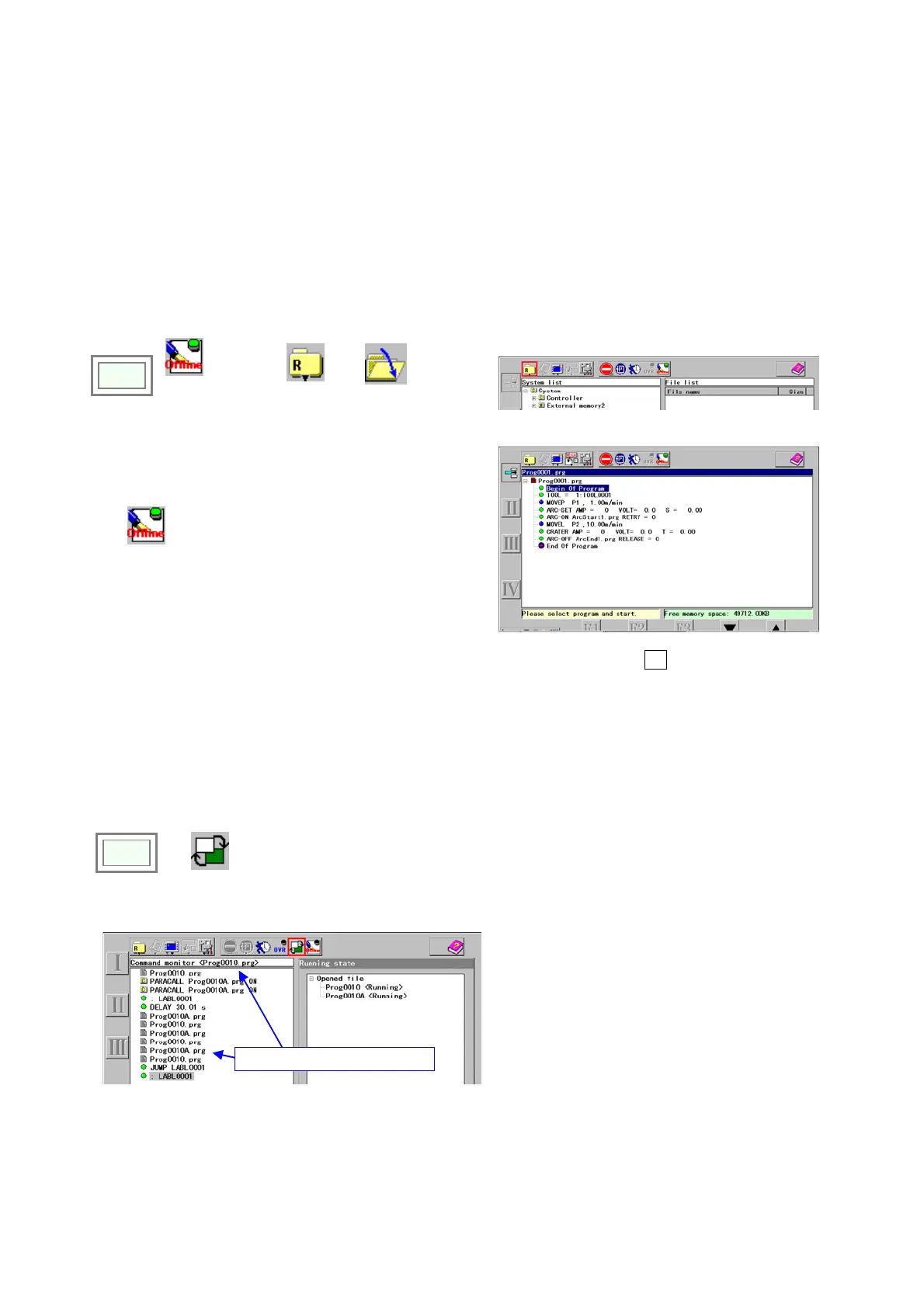
5-9-1. Offline programming
A function to edit the running program.
Please be advised that the changes are applied the next time you run the program.
Click
>>
Offline
programmin
g
(ON) >>
File
>>
Open
Procedure is the same as with teaching except you cannot
operate the robot.
After completion of offline edit, close the file. Turn OFF
the
Offline
programmin
g
icon lamp.
Each time you press the
I key, the function changes
from Add → Change → Delete.
5-9-2. Program change in parallel processing
In AUTO mode, when two programs are executed at a time using PARACALL command etc., it is possible to switch the
programs displayed in the window. The program displayed in the window is the object program of override or offline
edit.
Click
>>
Program
change
The program file name currently displayed.
Click once to display the other program.
The program file name displayed in the window
appears in the title bar of the left pane.








 To Next Page