4-8
4-8-1. Move commands for each interpolation
Interpolation types applicable to welding robots and to handling robots
Welding robots Handling robots
Move command Interpolation type Move command Interpolation type
MOVEP PTP MOVEP PTP
MOVEL Linear MOVEL Linear
MOVEC Circular MOVEC Circular
MOVELW Linear weaving
MOVECW Circular weaving
Move command for amplitude points of weaving interpolations is “WEAVEP”.
4-8-2. Change speed
Specify the robot travel speed of the tool center point (arc start
point).
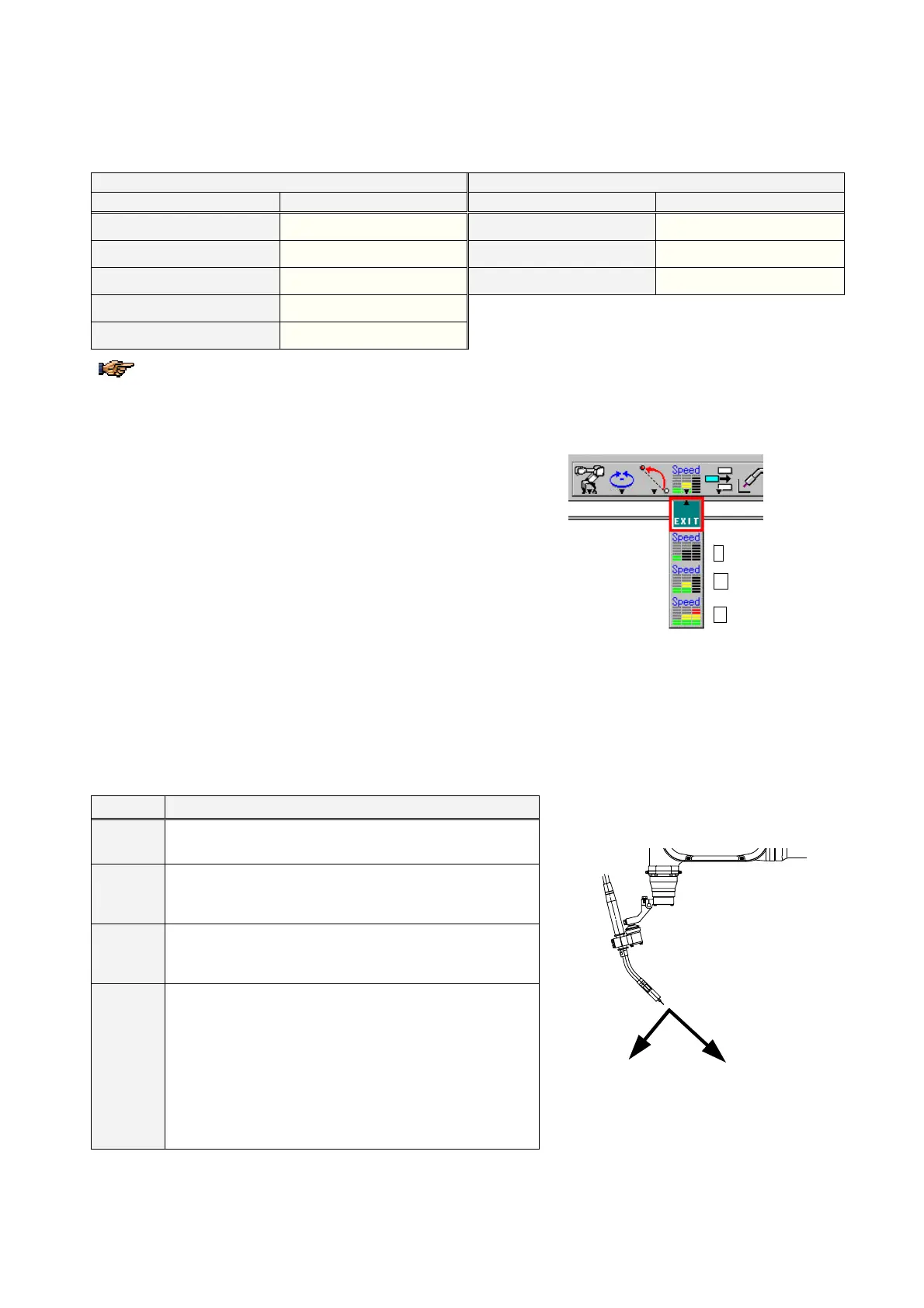
Use the icon on the menu bar to switch the speed range.
L Speed (Low)
M Speed (Middle)
H Speed (High)
4-8-3. Wrist calculation (CL number)
Moving the three wrist axes (RW, BW and TW axes) to a certain position can result in what is called “singular orientation
of the robot, which can cause flip-over of the axes. In order to avoid possible flip-over of the axes, specify a calculation
type of interpolation (the CL number).
CL No. Calculation (application)
0
Automatic calculation
1
Suitable in circular interpolation if the arc plane and the
tool vector create nearly at right angles (tolerance: within
10 degrees).
2
Suitable in circular interpolation if the arc plane and the
tool vector do not create right angle (more than 10
degrees from right angle).
3
Suitable where BW axis is nearly 0 degree (i.e. TW axis is
parallel to the RW axis).
It avoids the singular orientation error with the following
restrictions.
Teach the CL=3 section as short as possible.
Tool orientaion may not be stable in the CL=3 section.
Actual robot travel speed may be slower than teach
speed.
Tool vector
TX
TZ








 To Next Page