15-4
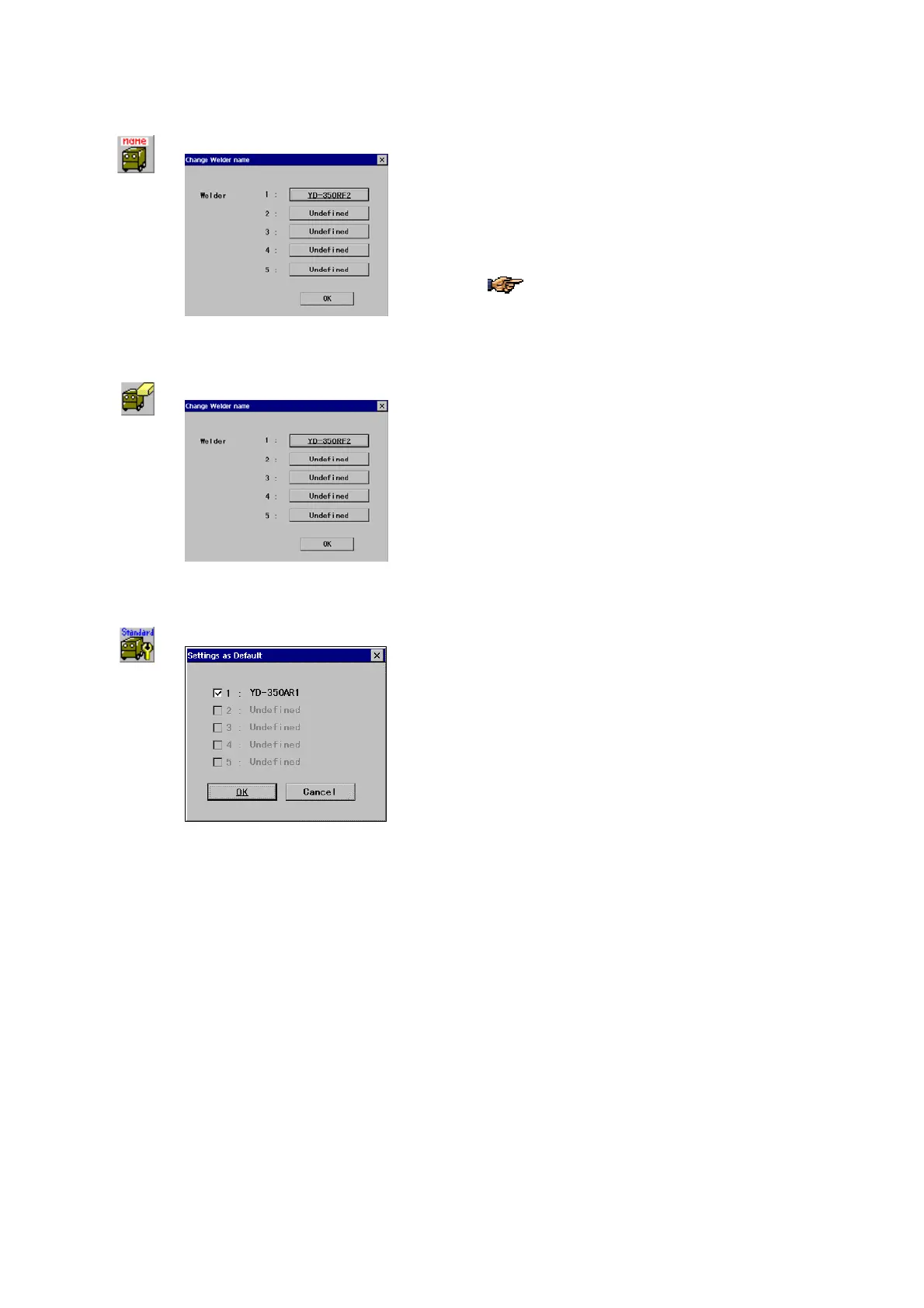
15-1-2. Rename a welder
Î
Select the welder you would like to change name (or
delete) and click the
OK button.
Click a welder name you want to rename, then a dialog
box appear to type a new name.
You can rename any defined welders freely.
15-1-3. Delete a welder
Î
Select the welder you would like to change name (or
delete) and click the
OK button.
Click a welder name you want to change, and then a
message appears to confirm the deletion action.
15-1-4. Set a welder as Default
Î
Check the box to the left of the welder you would like to
normally use unless specified.



 To Next Page