4-34
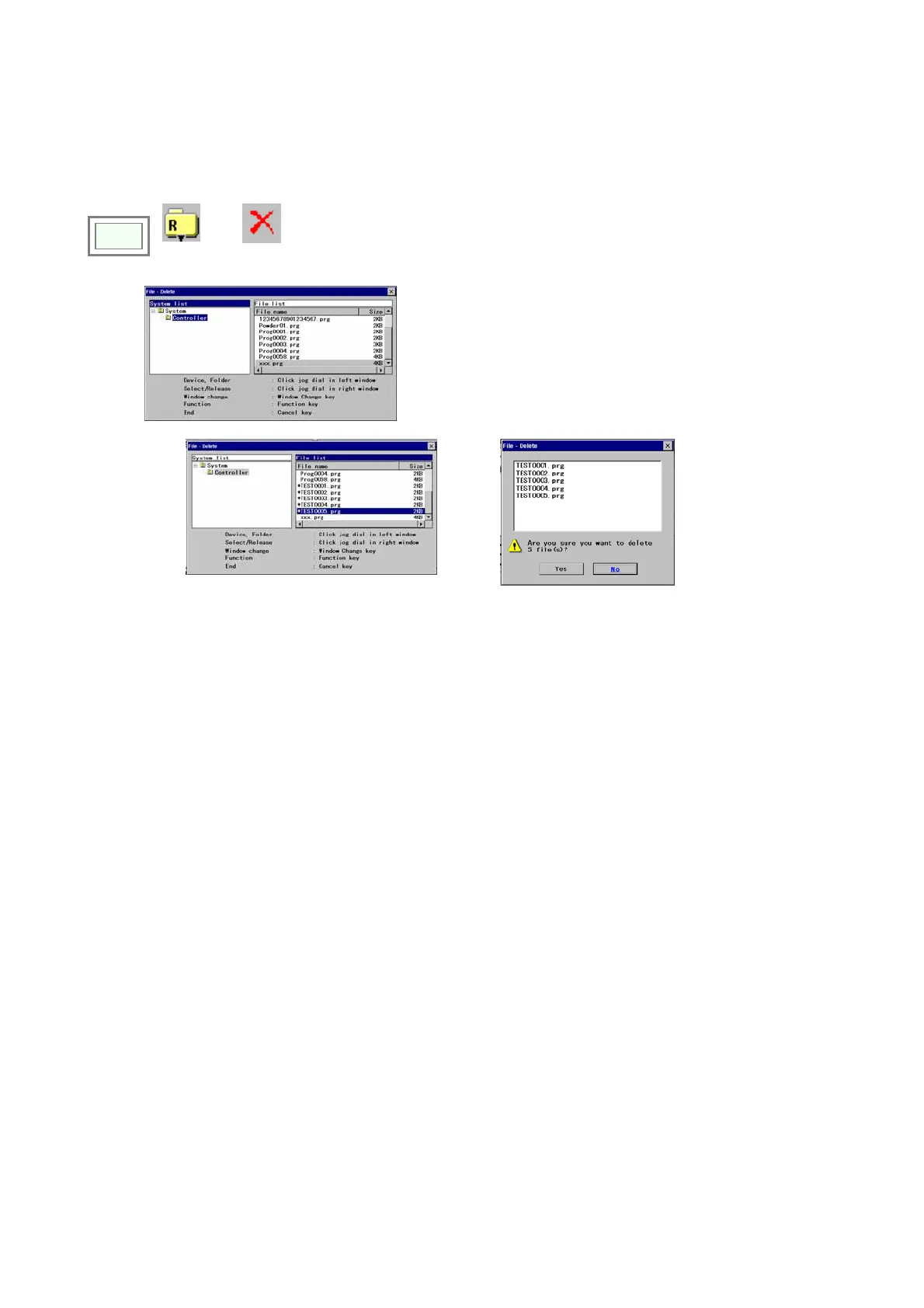
4-21. Delete files
Files saved can be deleted.
Please be advised that it is not possible to undo once deleted
Click
>>
File
>>
Delete
Î
↓
1. Cick “Controller” in the System window to show the
file list.
2. Change the window and select the files you want to
delete in the file list.
A seleced file attaches a “ * “ mark.
3. Press “Next” F3 button to show the file list to delete.
4. Press “Yes” to delete.
Î








 To Next Page