4-4
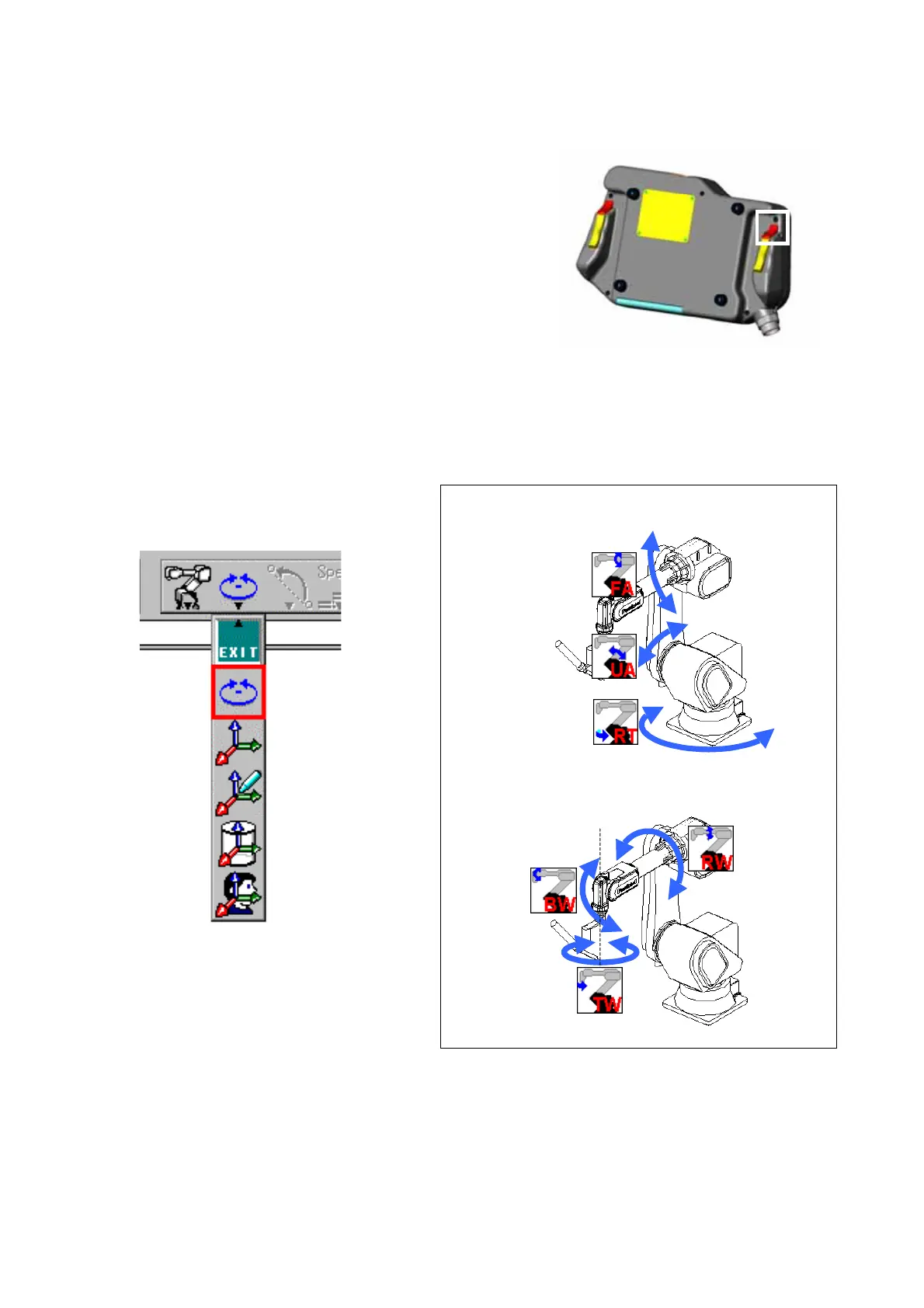
4-5. Switch the coordinate system
It is possible to change the direction of the motion of the robot arm by
selecting a coordinate system.
1. There are five coordinate systems to choose from
2. Press the L-Shift key to switch the coordinate system. The Robot
motion icon switches correspondingly.
4-5-1. Robot motion icons and robot movement
Robot motion coordinate system select menu
Joint coordinate system
[Control the robot movement by axis individually.]
Switch functions (with L-Shift key)
Joint
Cartesian
Tool
Cylindrical








 To Next Page