4-25
4-15-7. R-shift key and teach point settings
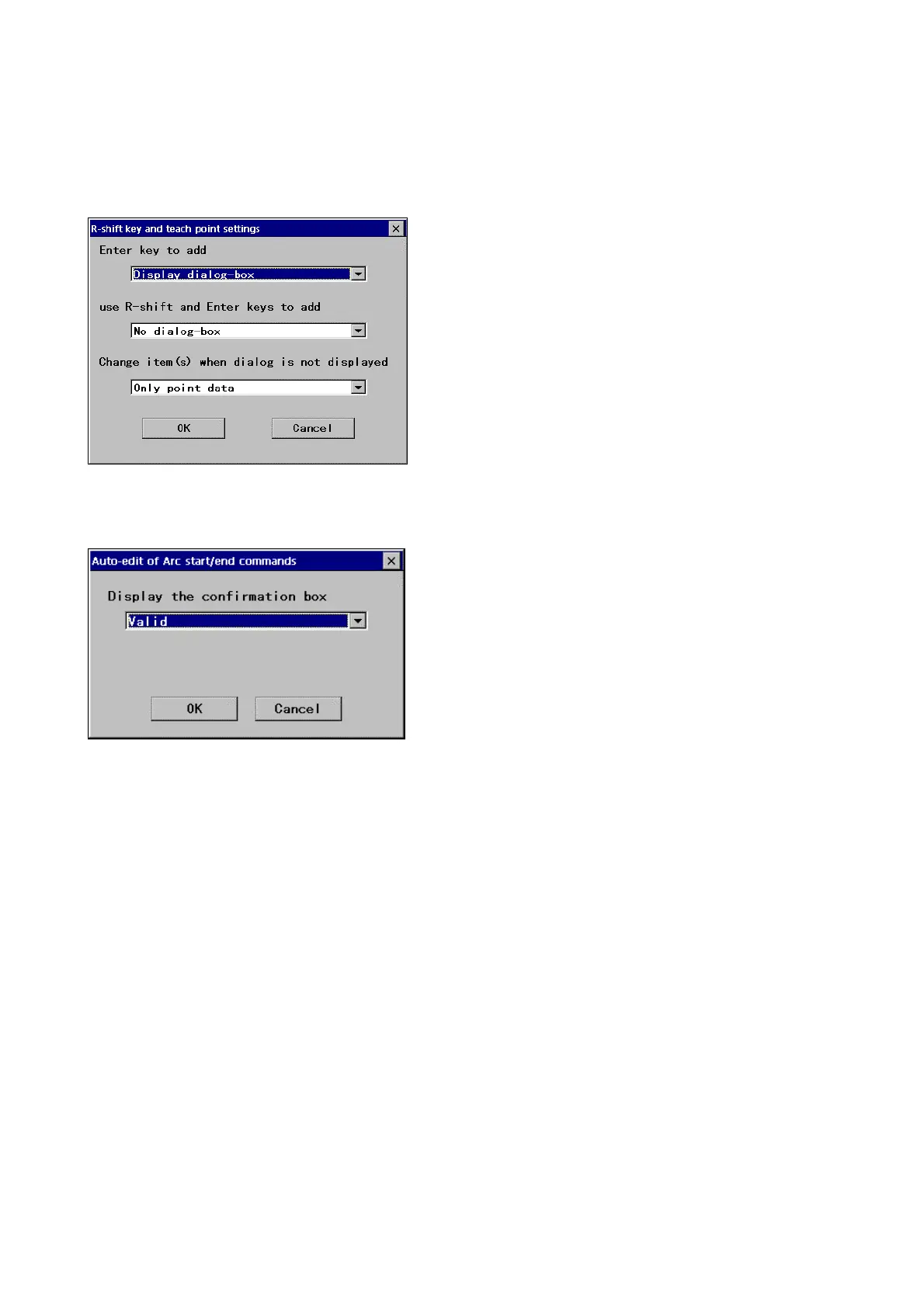
It specifies how the confirmation dialog box is to be displayed at teach point settings - whether to press both the Enter and
R-shift keys or to press only the Enter key, or either way.
It also allows you to specify whether to change the menu data together with the teaching point.
[Enter key to add]: Whether to display the confirmation
dialog box when only the Enter key is pressed.
[Use R-shift and Enter keys to add]: Whether to display
the confirmation dialog box when both Enter and R-Shift
keys are pressed.
[Change item(s) when ….]: Whether to change the menu
data when to change a teaching point without displaying the
dialog box.
・Change only point data.
・Change both point data and menu data which includes
Interpolation type, speed and so on.
4-15-8. Auto-edit of Arc start/end commands
[Display the confirmation box]
It specifies whether to display the confirmation box in case
that a significant change in program structure will be made
by weld sequence edit operation.
*When [Invalid] is selected, the confirmation box won’t be
displayed at any edit operation.








 To Next Page