15-18
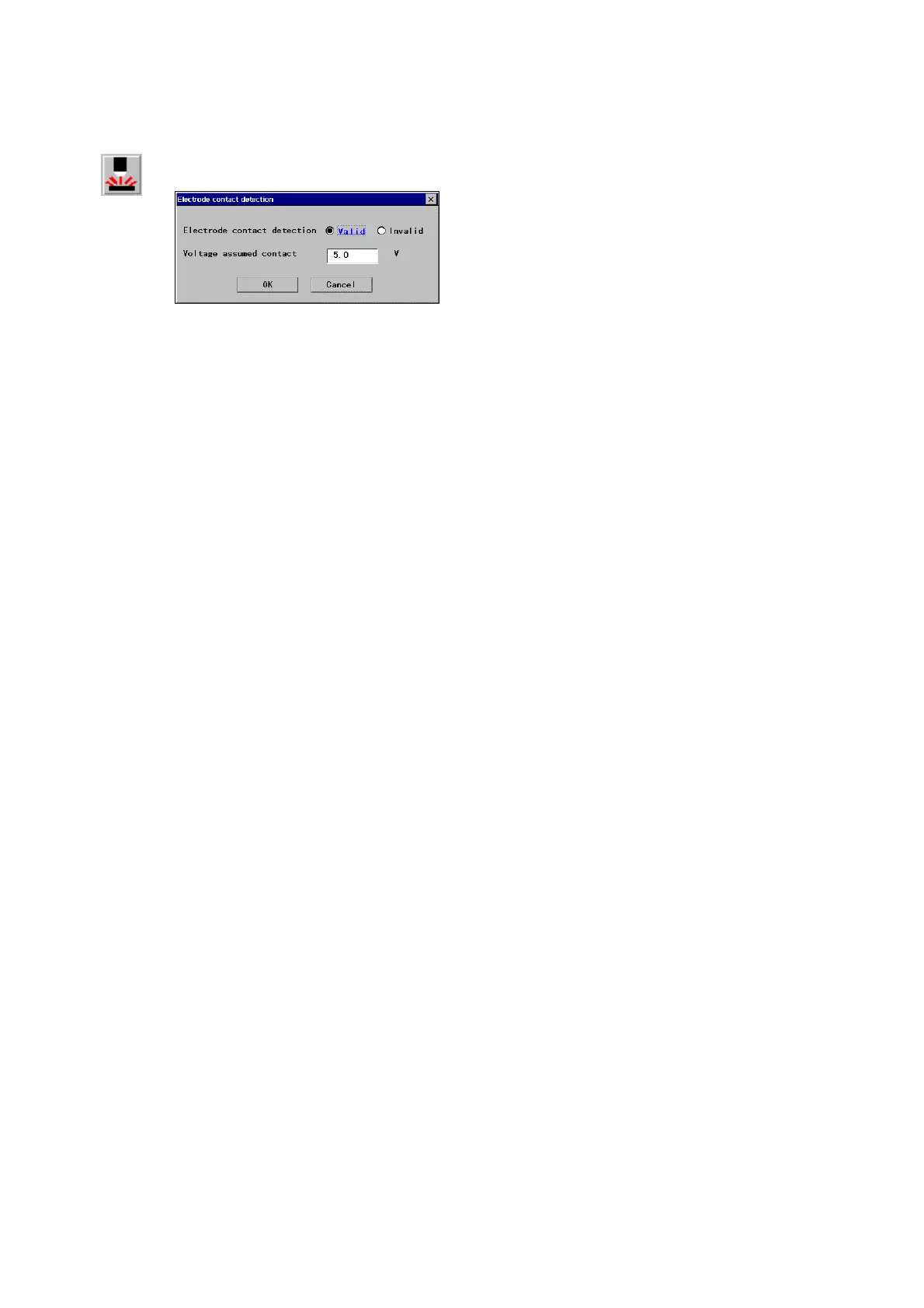
15-3-7. Electrode contact detection
It is a function to bring the robot to an error stop when the electrode and workpiece are short-circuited.
・In welding operation, the robot detects “Electrode contact”
when the voltage is lowered down to or below the preset
weld voltage, the error “W0370: Weld Error: Electrode
contact”.
・Use the CHKVOLT command to change the benchmark
voltage for determining the “electrode contact”.
Electrode
contact
[
Electrode contact detection]: Whether to use this function.
[
Voltage assumed contact]: Specifies the benchmark
voltage for determining “electrode contact”.
Note
・
This function is available to software version 3.00 or higher of the Welding machine “YC-300BZ2”.
・Turn ON the ”Volt. Display” of the Display setting menu of the welding machine”YC-300BZ2” to apply this
function.








 To Next Page